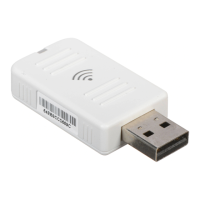
Wireless LAN 802.11a/b/g USB adapter
1-18
Tx Rate - Indicates the data transmission rate. Select an appropriate
transmission speed. Lower speeds will give a better range. (Default: Auto)
Tx BURST - Burst transmission combines a very high data signaling rate
with very short transmission times. (Default: Disabled)
Enable TCP Window Size - A TCP window limits the amount of
outstanding (unacknowledged by the recipient) data a sender can send on a
particular connection before it gets an acknowledgment back from the
receiver that it has received some of the data. (Default: Disabled)
Fast Roaming - Allows you to move from the range of one access point
to the range of another with a handoff of approximately 50 milliseconds or
less. (Default: Disabled)
Turn off RF - Click to turn off the radio frequency. This disables the
wireless feature. (Default: On)
Apply - Be sure to click the Apply button to enable your settings.



 To Next Page