5. Press the up or down arrow button to select Head Alignment and press the OK button.
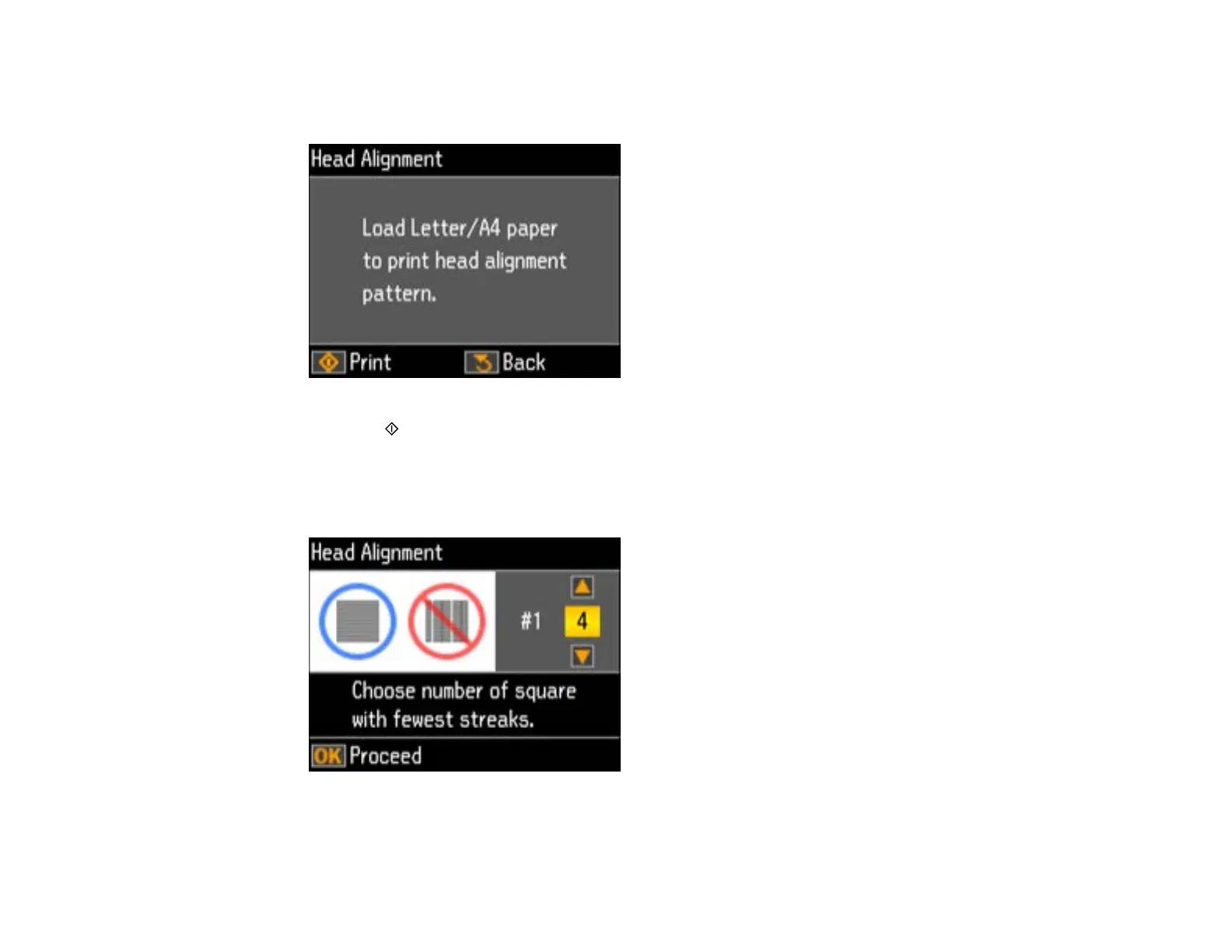
You see this screen:
6. Press the start button to print an alignment sheet.
Note: Do not cancel printing while you are printing a head alignment pattern.
You see this screen:
7. Check the printed pattern and press the up or down arrow button to choose the number representing
the best printed pattern for each set. Press the OK button after each selection.
206



 To Next Page