130
Voreinstellung
Presettings
Defining a code
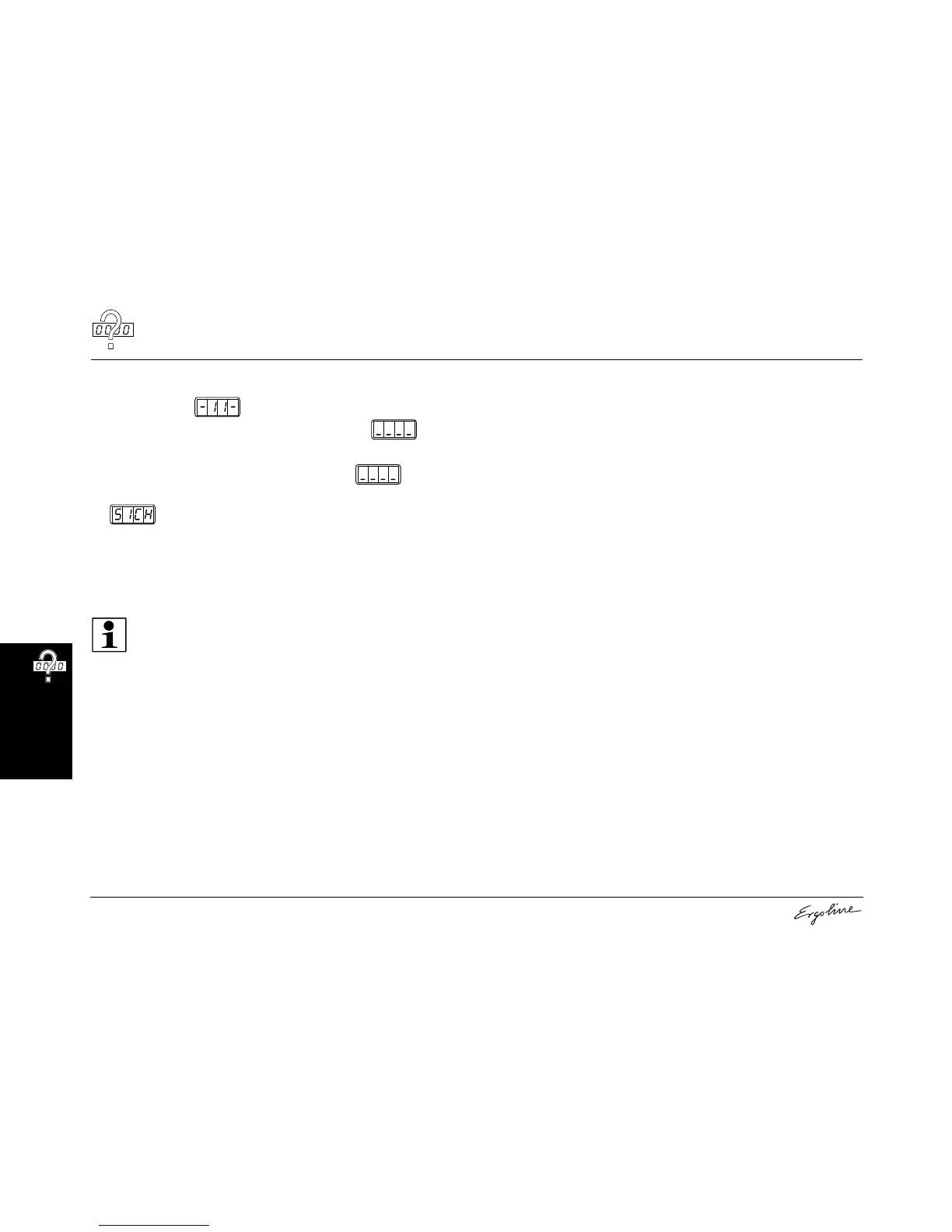
• Select Function .
• Press the START/STOP button for 3 seconds until appears.
• Press the desired buttons consecutively:
• Press the buttons in the same sequence when appears
again.
• appears in the display. The set code has been saved.
• Please note the code for Customer Service.
If you know the old code, you can define a new code at any time. We re-
commend that you already set a new access code during the initial start-
up.
Note:
If you have forgotten the code, please talk to Customer
Service – see page 2.



 To Next Page