13 / 20
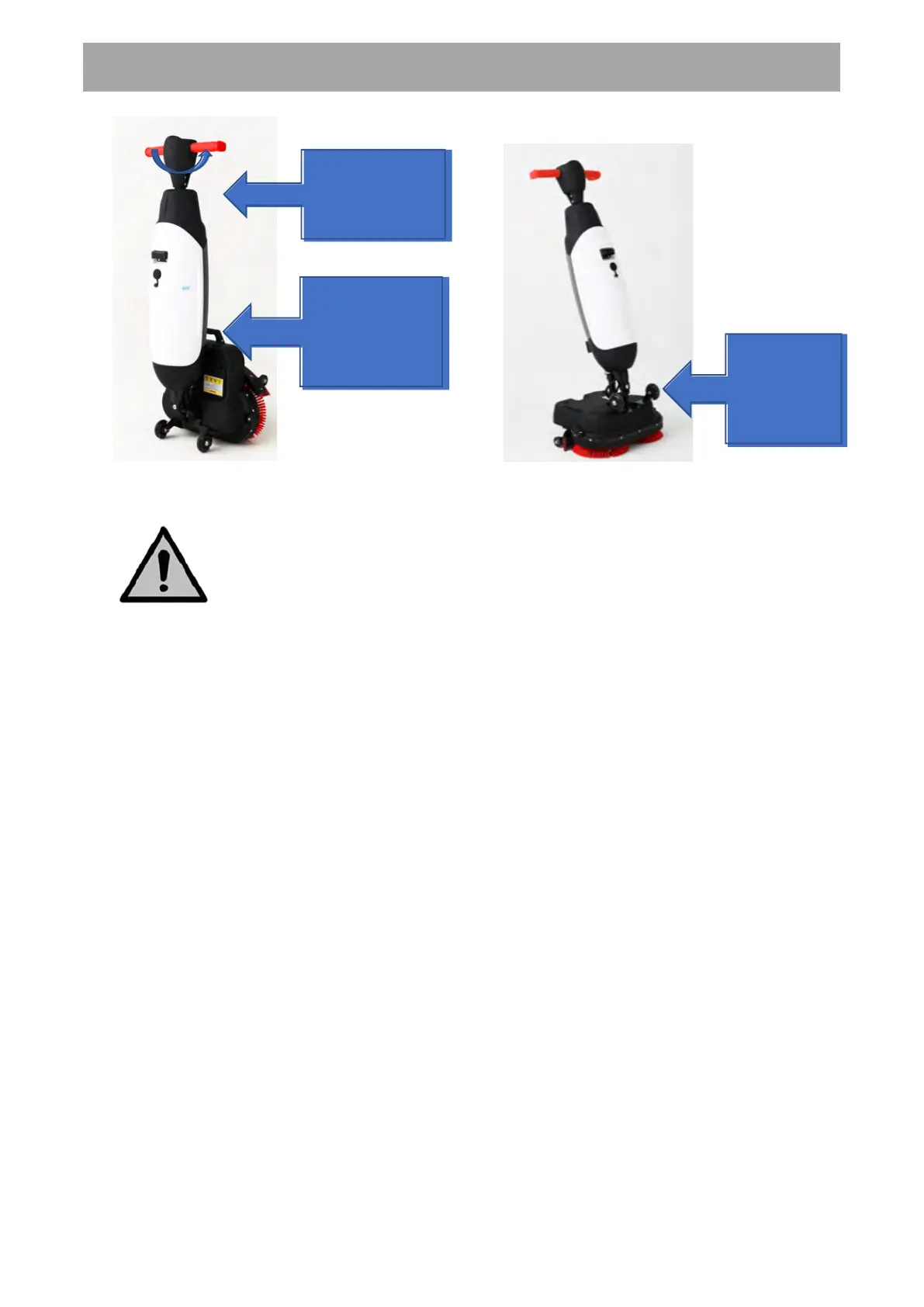
(Step 1 & 2) (Step 3)
WARNING
Never push down the scrub deck with your foot.
At the Job Site
1. Crouch down while holding the carrying handle of the scrub deck firmly with one
hand.
2. Push the handle forward with your other hand.
3. Bring the scrub deck slowly down to the floor.
4. Stand behind the E100.
5. Choose your cleaning mode via the mode buttons/switches (refer to image on
page 14) after pressing down the main On/Off switch first at the rear side of the
control panel (refer to image on page 14).
6. The battery indicator will illuminate.
7. Hold the handle with both hands.
8. Walk behind the E100.
9. Steer by gently turning the handle left or right to move the scrub deck.
Crouch down
while holding the
carrying handle
of the scrub deck
firmly with one
Push the handle
forward with your
other hand
To stop one
of the caster
wheels
USER MANUAL


 To Next Page
 Loading...