Back light compensation (ICU only)
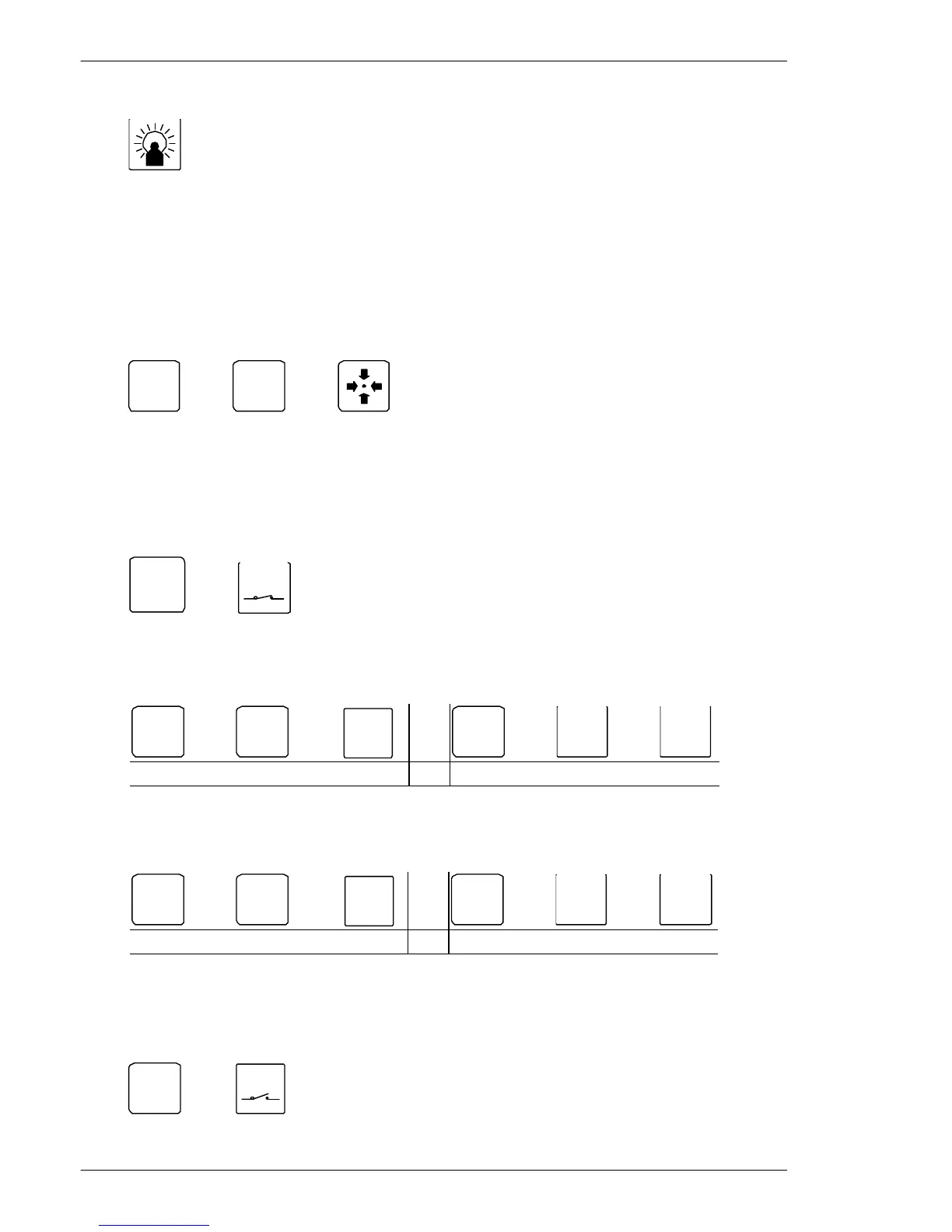
In order to enable/disable Back light compensation, press:
Back light compensation
ON/OFF
Programming the ICU, BDR-55X & BDR-575 Telemetry Receiver
The programming features are not available on the telemetry receivers Series BDR-51X.
Save preposition
To save preposition number 3, move the camera to the desired view, and press:
ðð
ESC
ðð
Save preposition number 3
Note: Valid range BDR-55X and ICU: 1-30,
BDR-575: 1-126.
Display preposition sequence stack (available on the BDR-55X only)
To display the sequence stack stored in the telemetry receiver currently being controlled:
ESC
ð
AUX
Display preposition sequence stack
Insert a preposition in the sequence stack
To insert preposition number 1 in the sequence stack stored in the telemetry receiver:
ðð
SHIFT
+
INS
1500M/1502M 1501M/1503M
Insert preposition number 1 in the sequence stack
Delete a preposition from the sequence stack
To delete preposition number 1 from the sequence stack stored in the telemetry receiver:
ðð
SHIFT
+
DEL
1500M/1502M 1501M/1503M
Delete preposition number 1 from the sequence stack
Clear the preposition sequence stack
Clear the preposition sequence stack stored in the telemetry receiver currently being
controlled:
ESC
ðð
AUX
Clear the preposition sequence stack
Installation and Setup instruction for Keyboard Series 1500
Page 14


 To Next Page
 Loading...