12
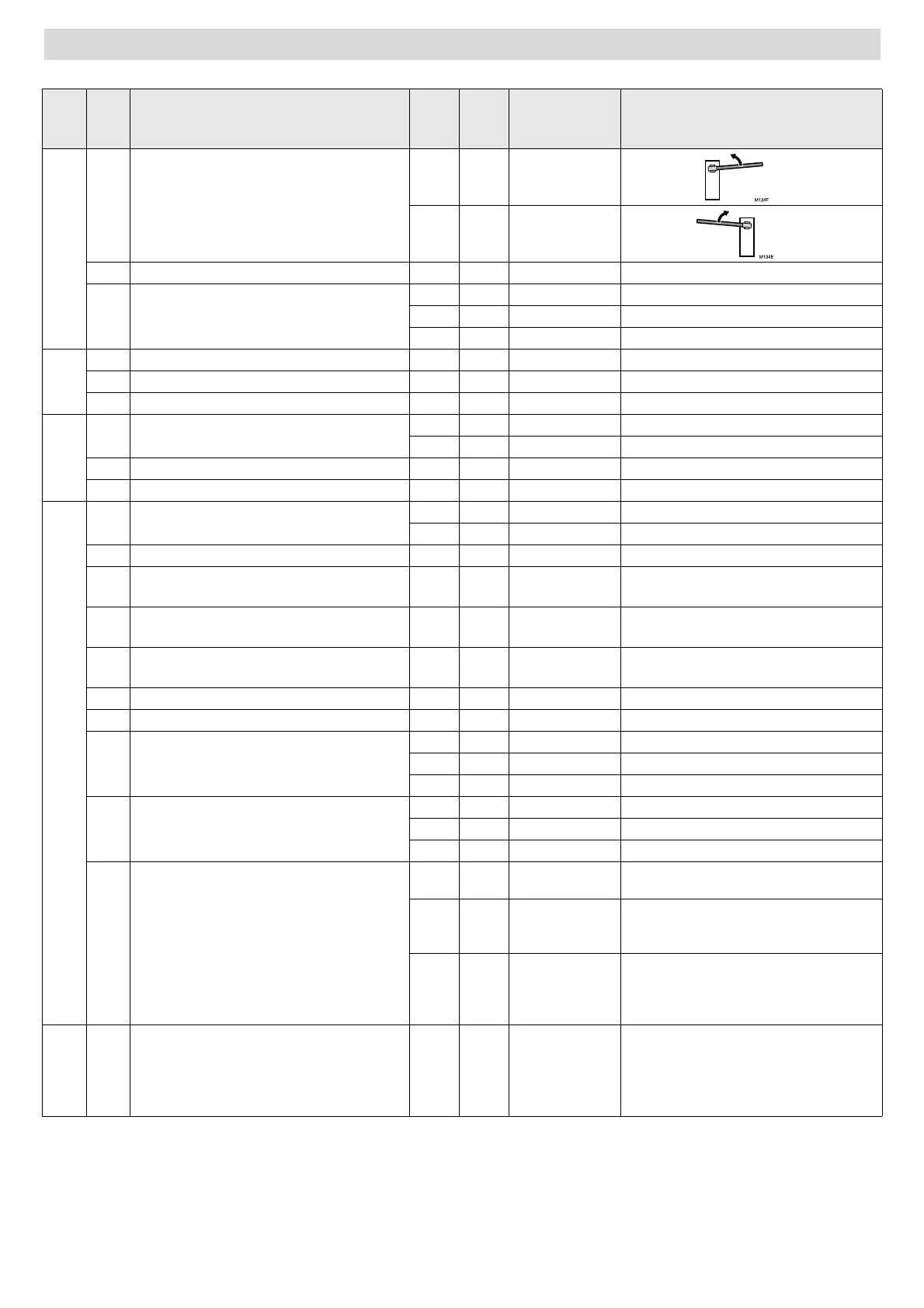
Complete programming chart
D1 D2 Parameter D3 D4
Pre-
determined
option
Options or values
C1
Motor turning direction
01x
02
4
Disabled
5
Closing safety device (photocell or strip)
00x
Device not installed
10
Device without testing
11
Device with testing
P1
Total opening radio code programming
oç
2
Disabled
3
Barrier open/close programming
oç
F1
Functioning mode
01
Automatic
02x
Step-by-step
2
Standby in automatic mode
0...5. 0...9 15 59 = 59 sec.; 2.5 = 2 min. 50 sec., etc
3
Disabled
A0
Flashing light
01x
No warning
02
With warning
1
Garage light time
0...5. 0...9 03 59 = 59 sec.; 2.5 = 2 min. 50 sec., etc
2
Barrier speed
0 1...5 03 01: minimum speed;
05: maximum speed
3
Slow down speed
0 1...5 02 01: minimum speed;
05: maximum speed
4
Slowdown distance
0 0...5 00 00: minimum distance;
05: maximum distance
5
Disabled
6
Maximum thrust
0...1 0...9 05 01: minimum thrust; 10: maximum thrust
7
Closing photocell used during standby
(in automatic mode only)
01
Immediate close
02x
Restart standby time
03
Has no effect
8
Pushbutton operation during standby
(in automatic mode only)
01
Immediate close
02x
Restart standby time
03
Has no effect
9
Opening mode
01x
Opening in accordance with the mode
selected in the main functions (F)
02
Collective opening (the control board
does not obey the commands during
opening)
03
Step-by-step opening (the barrier halts if
a key command is activated during
opening. The barrier closes if activated
again)
ç1
Operations carried out
XX
Indicates the cycles completed,
multiplying the indicated figure by an
amount, for example:
68 indicates 6,800 cycles completed
6.8
indicates 68,000 cycles completed


 To Next Page
 Loading...