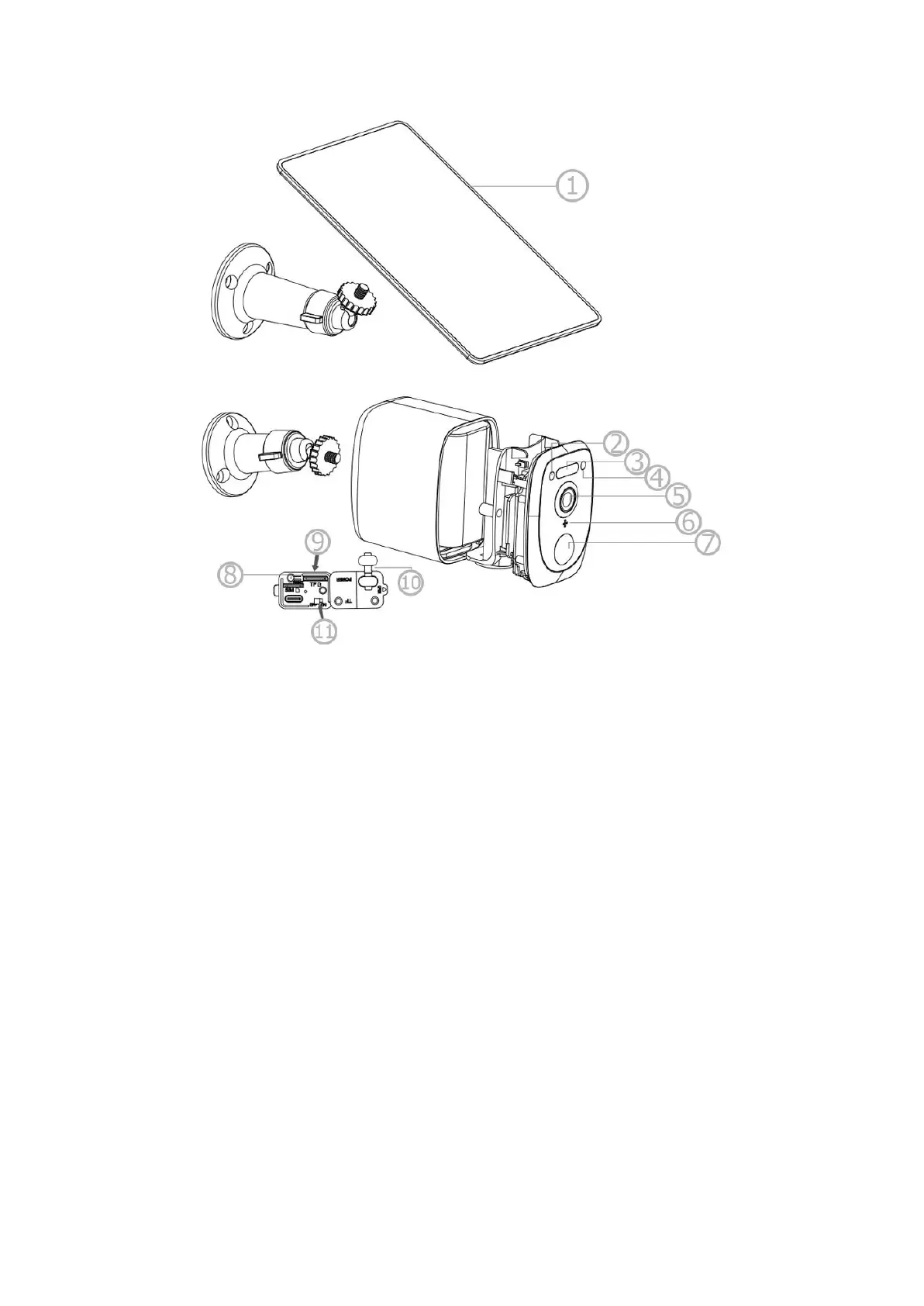
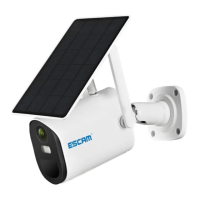
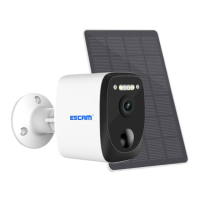
1. Solar panel
2. Indicator
3. IR and white LED
4. Photosensitive sensor
5. Lens
6. Microphone
7. PIR
8. Reset button
9. MicroSD card slot
10.USB Silicone flap
11. Power button
Quick setup
Insert the USB cable of the solar panel to the USB port with the silicone flap
on the bracket base for battery charging. Press the Power switch to turn the camera
On. Wait for the voice prompt to pair the camera with the app.
Please close the silicone flap on the USB port to avoid rain leakage. Also,
make sure your phone is connected to the 2.4GHz WiFi network before pairing it with
the camera.


 To Next Page