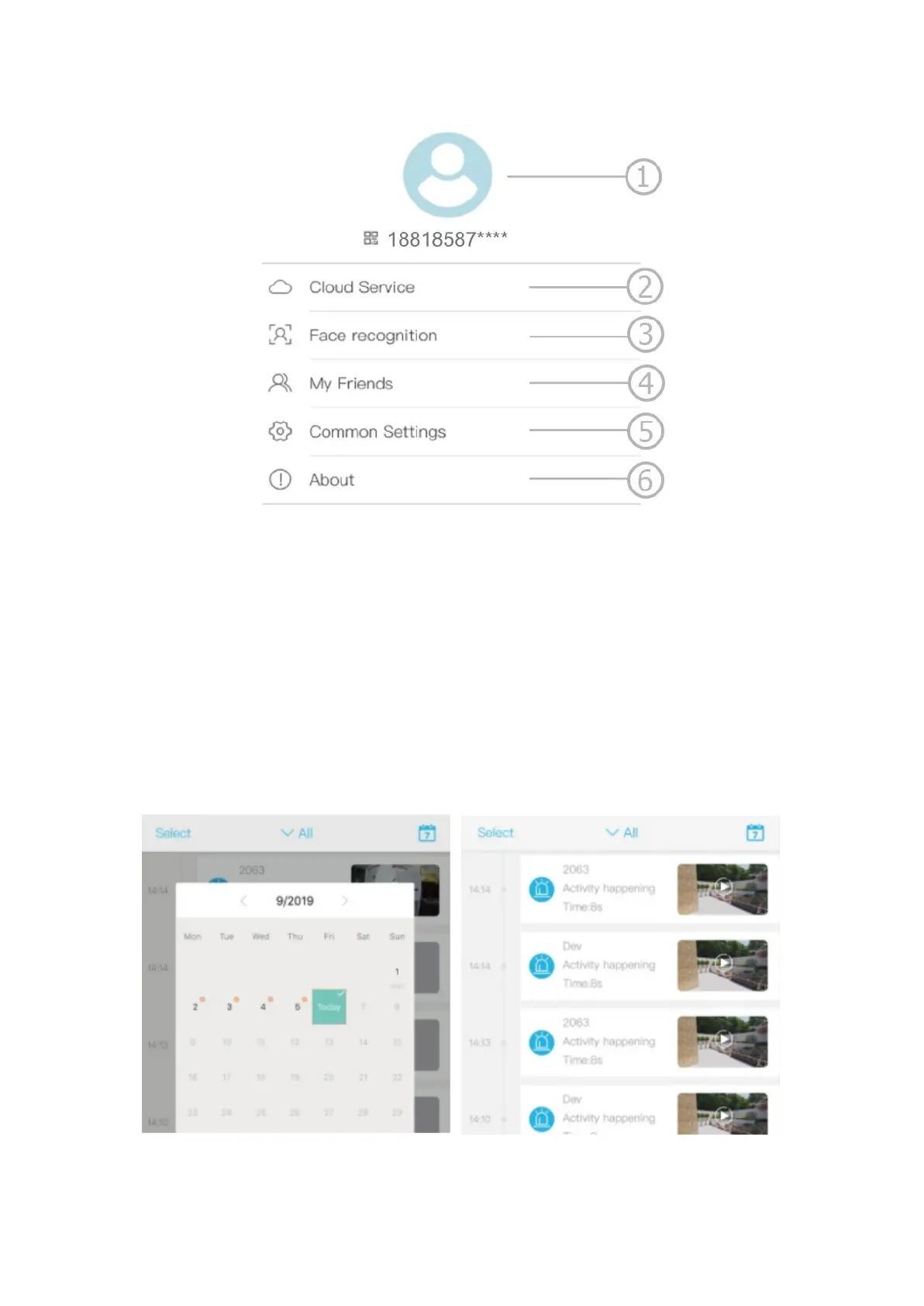
1. Account name and password change
2. Check and purchase the cloud storage
3. Check and purchase the AI cloud face ID
4. Check and add friends
5. Set the default voice and resolution
6. Add a smart device
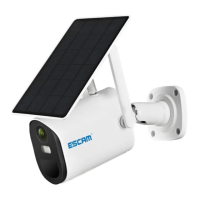
Click the Calendar icon on the top right corner and choose the date to
playback the videos from the cloud storage. Choose the desired date to check all
videos from that day from the cloud.


 To Previous Page