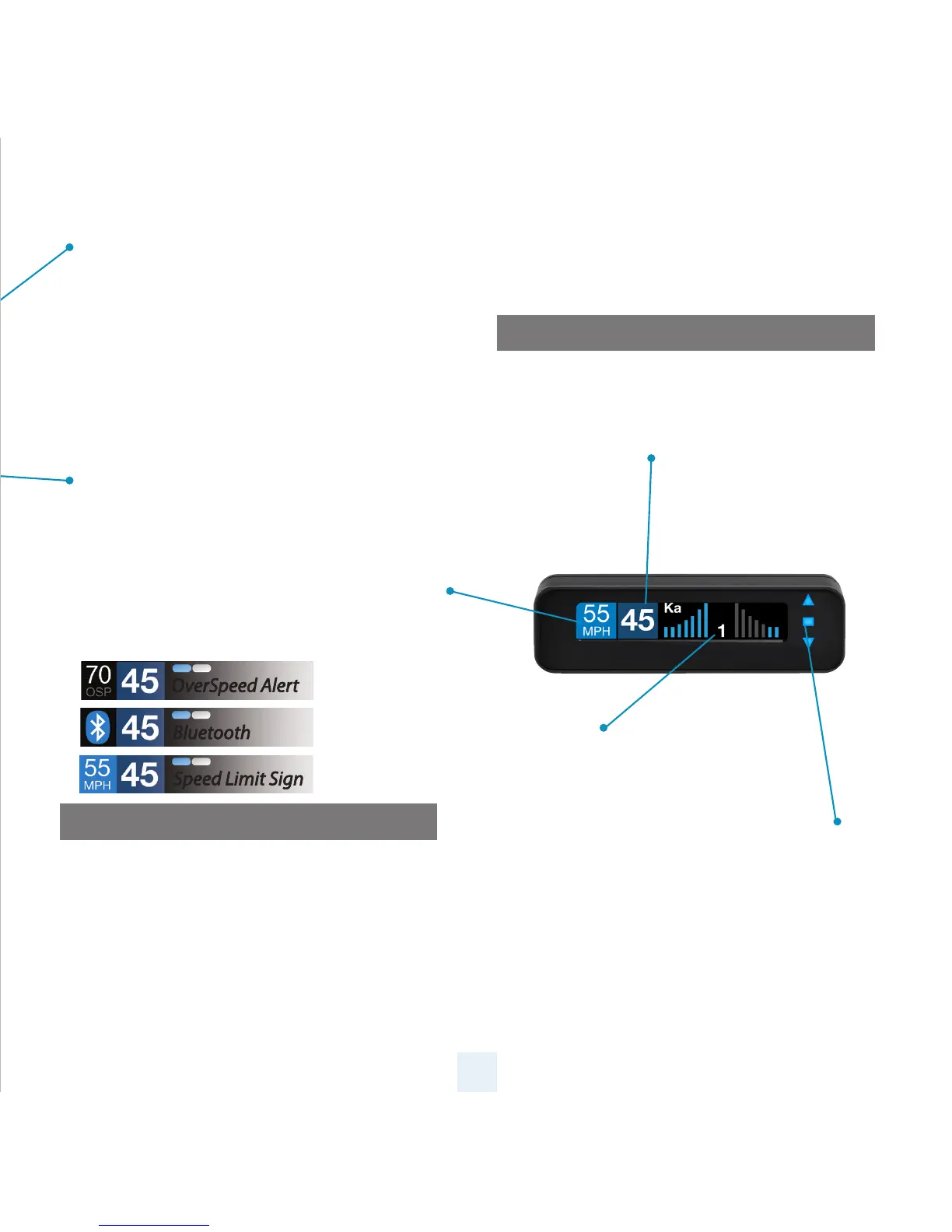
Current Speed
Shows current display or battery voltage
when Speed Display is turned o in
Preferences
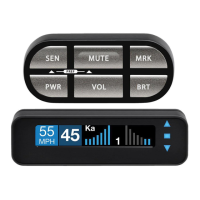
Mark Location Button (MRK)
The “MRK” button allows you to mark a specic
location and label it for future reference. Once
marked, the ESCORT MAX Ci 360 will provide an
alert before you reach this area again. This can be
extremely useful when there are known speed
traps or safety cameras in a particular location.
Display Brightness (BRT)
The “BRT” button selects your preferred brightness
level. The factory default setting is Auto (automatic),
which will adjust the display brightness based on
the ambient light in the vehicle.
Over Speed/Speed Limit
Over Speed Alert setting that can be adjusted in
Preferences. Displays Bluetooth icon when paired
to phone, and posted speed limit for current
location when connected to ESCORT Live app.
Alert Area
ESCORT MAX Ci 360 oers seven
dierent settings for displaying
front and rear alerts.
5
Display Module
OverSpeed Alert
Bluetooth
Speed Limit Sign
Threat-Direction Arrows
Reports the direction an alert is
coming from.
Concealed Alert Indicator
• Multi-color indicator is:
•
Solid green when power is ON
• Blinking red when receiving a front alert
•
Blinking blue when receiving a rear alert


 To Next Page