Table of Contents
Introduction I
• Congratulations I
• Important Warning I
• Quick Reference Card 1-2
• Quick Reference Guide 4
Controls and Features 5-8
• Power and Volume Control 5
• Power-on Indication 5
• AutoMute 5
• Mute 5
• Remote Mute / Volume 5
• Highway / Auto / City Switch 6
• Display Brightness 6
• Audible Alerts 6
• Signal Strength Meter 7
• ExpertMeter 7
• SpecDisplay 8
• Laser Shifters 8
EZ-Programming 9-13
• How to use EZ-Programming 9
• Example of Programming 9
• Overview of Programming 10
• Details of Programming 11-13
Technical Details 14-18
• Interpreting Alerts 14-15
• How Radar and Laser Work 16-18
Service 19-25
• Troubleshooting 19-20
• Specifications 21
• Service 22
• Registation Card 23-24
• Warranty 25
32
Quick Reference Card
Passport SRX Quick Reference Card
* Factory Default Settings
Remove card along perforations
Remove card along perforations
Disp STD
Disp VERT
Pilot HWY
Pilot H
Pilot H.>
Pilot +
Pilot +.>
Pilot +>
Pilot V
PwrOn STD
PwrOn FST
Meter STD
Meter EXP
Meter SPC
aMute ON
aMute OFF
Tone STD
Tone LOUD
City STD
City LoX
City NoX
Brt AUTO
Brt MIN
Brt MED
Brt MAX
Brt DARK
Bands ALL
Bands MOD
X ON or OFF
K ON or OFF
Ka ON or OFF
LSR ON or SHFT or OFF
SWS ON or OFF
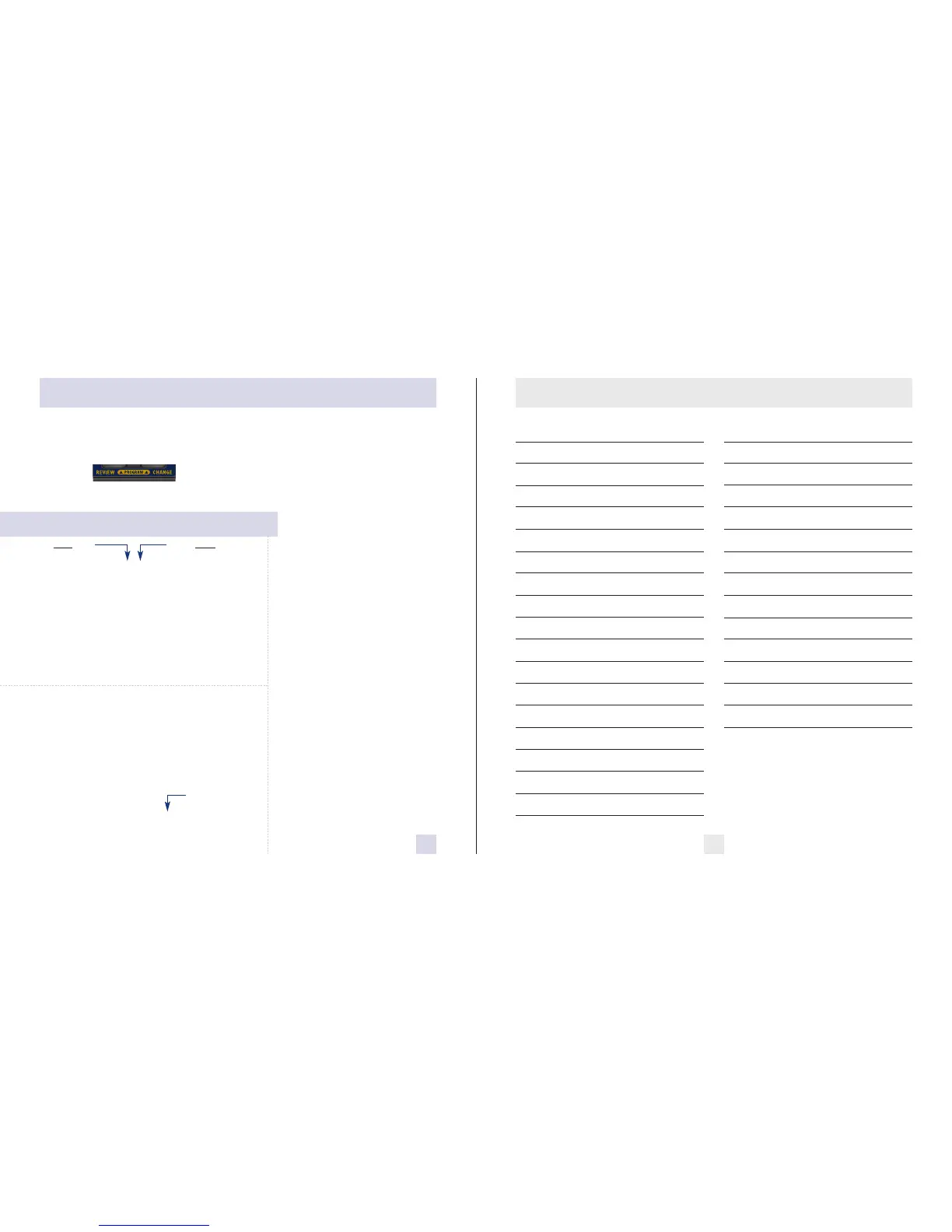
Press the REVIEW
button
to go from one category
to the next
DISPLAY
PILOT LIGHT
(Power-on indication)
POWER-ON SEQUENCE
SIGNAL STRENGTH METER
AUTOMUTE
AUDIOTONES
CITY MODE SENSITIVITY
BRIGHTNESS
BANDS
Press the CHANGE
button
to change your setting
within a category
* Standard display
Vertical display
* Full word: Highway or Auto or City
Letter: H or A or C
Letter with scanning dot
Symbol: + or
•
or --
Symbol with scanning dot
Scanning symbol
Vehicle voltage
* Standard power-on sequence
Fast power-on sequence
* Standard signal strength meter
ExpertMeter
SpecDisplay
* AutoMute on
AutoMute off
* Standard tones
Loud tones
* Standard City mode sensitivity
Low X band sensitivity in City Mode
No X band sensitivity in City Mode
* Brightness adjusts automatically
Minimum brightness when turned on
Medium brightness when turned on
Maximum brightness when turned on
Dark Mode when Passport turned on
* All bands enabled (Laser receive only)
One or more bands has been modified
Turn bands “ON” or “OFF” by
pressing the mute button











 To Next Page