10 11
Overview of EZ-Programming Options
Press the REVIEW button
to go from one category
to the next
DISPLAY
PILOT LIGHT
(Power-on indication)
POWER-ON SEQUENCE
SIGNAL STRENGTH METER
AUTOMUTE
AUDIOTONES
CITY MODE SENSITIVITY
BRIGHTNESS
BANDS
*Passport’s Factory Default Settings
To reset Passport to its original
factory settings, press and hold
the “CITY” and “MUTE” buttons
while turning the power on.
Passport’s display will provide a
“Reset” message, accompanied
by an audible alert, acknowl-
edging the reset.
Disp STD
Disp VERT
Pilot HWY
Pilot H
Pilot H.>
Pilot +
Pilot +.>
Pilot +>
Pilot V
PwrOn STD
PwrOn FST
Meter STD
Meter EXP
Meter SPC
aMute ON
aMute OFF
Tone STD
Tone LOUD
City STD
City LoX
City NoX
Brt AUTO
Brt MIN
Brt MED
Brt MAX
Brt DARK
Bands ALL
Bands MOD
X ON or OFF
K ON or OFF
Ka ON or OFF
LSR ON or SHFT or OFF
SWS ON or OFF
Press the CHANGE button
to change your setting
within a category
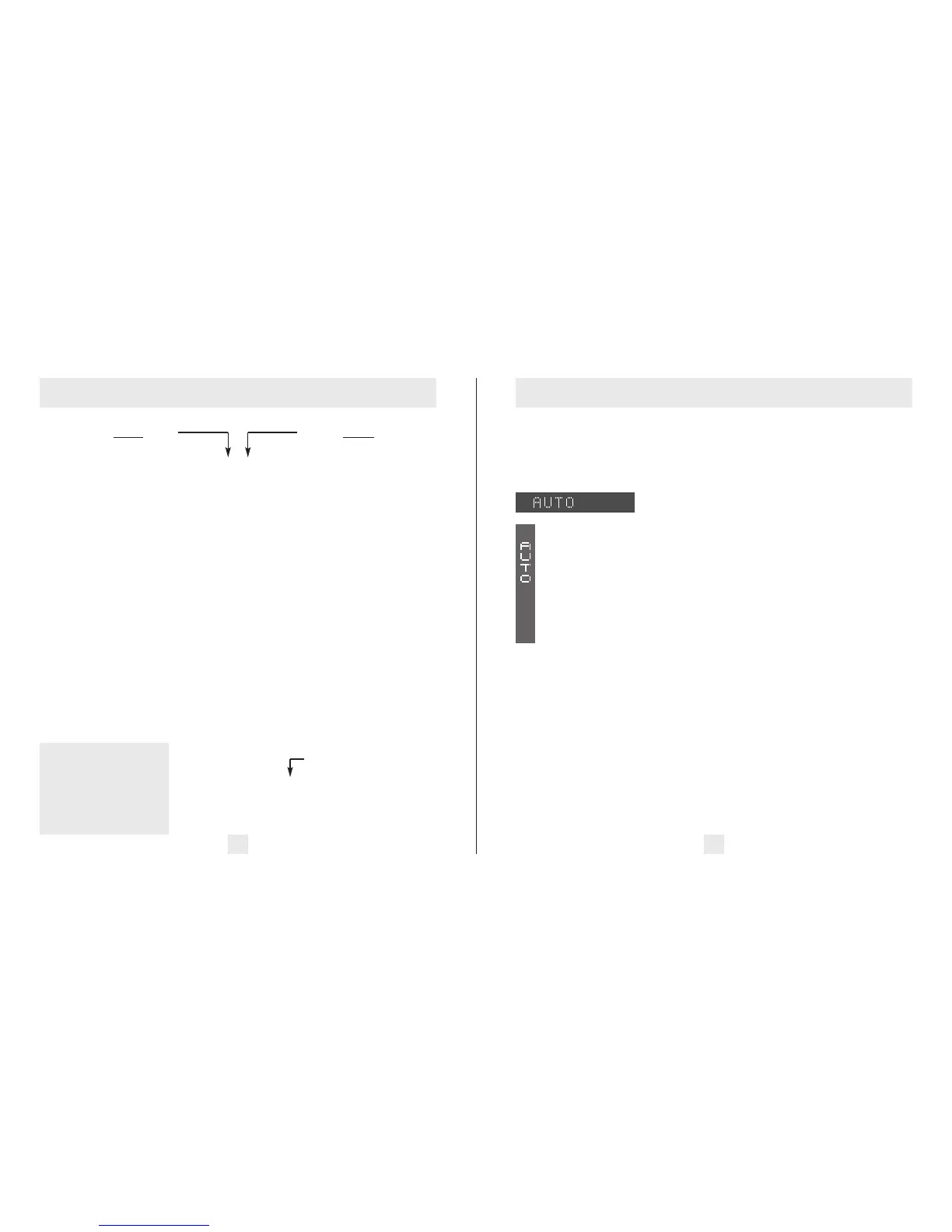
*Standard display
Vertical display
*Full word: Highway or Auto or City
Letter: H or A or C
Letter, with scanning dot
Symbol: + or
•
or --
Letter, with scanning dot
Scanning symbol
Vehicle voltage
*Standard power-on sequence
Fast power-on sequence
*Standard signal strength meter
Expert Meter
SpecDisplay
*AutoMute on
AutoMute off
*Standard tones
Loud tones
*Standard City mode sensitivity
Low X-band sensitivity in City Mode
No X-band sensitivity in City Mode
*Brightness adjusts automatically
Minimum brightness when turned on
Medium brightness when turned on
Maximum brightness when turned on
Dark Mode when Passport turned on
*All bands enabled (Laser receive only)
One or more bands has been modified
Turn bands “ON” or “OFF” by holding
down the Mute button
Details of EZ-Programming Options
Display
Disp STD (Display standard)
This is the standard setting for use when
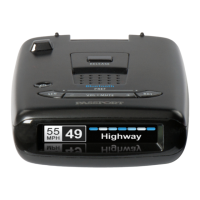
Passport’s Display is mounted horizontally.
(factory default)
DispVERT (Display vertical)
This setting is used when
Passport’s Display is mounted
vertically; for example, mounted
on the side of a center console.
Pilot Light (Power-on indication)
Note: When you are using the Dark mode,
the display will only show HD, AD, or CD,
(Highway-Dark, Auto-Dark, or City-Dark).
PilotHWY (Full description)
In this setting, Passport will display
“Highway,” “Auto,” or “City” as its power-
on indication. (factory default)
Pilot H (Letter)
In this setting, Passport will display “H” for
Highway, “A” for Auto, or “C” for City.
Pilot H.> (Letter with scanning dot)
In this setting, Passport will display “H” for
Highway, “A” for Auto, and “C” for City.
Also, a single dot will continuously scroll
across the display.
Pilot+ (Symbol)
In this setting, Passport will display “+” for
Highway, “.” for Auto, and “–” for City.
Pilot+.> (Symbol with scanning dot)
In this setting, Passport will display “+” for
Highway, “.” for Auto, and “–” for City. Also,
a single dot will continuously scroll across
the display.
Pilot+> (Scanning symbol)
In this setting, Passport will display “+” for
Highway, “.” for Auto, and “–” for City. Each
will continuously scroll across the display.
Pilot V (Vehicle voltage)
In this setting, Passport will display “H” for
Highway, “A” for Auto, or “C” for City, and
the vehicle’s voltage. If the vehicle’s voltage
drops below 10.5 volts, a low voltage
warning is displayed, followed by an audible
alert. A high voltage warning is also given if
the voltage goes above 16.5 volts. The high-
voltage warning is also followed by an
audible alert.











 To Next Page