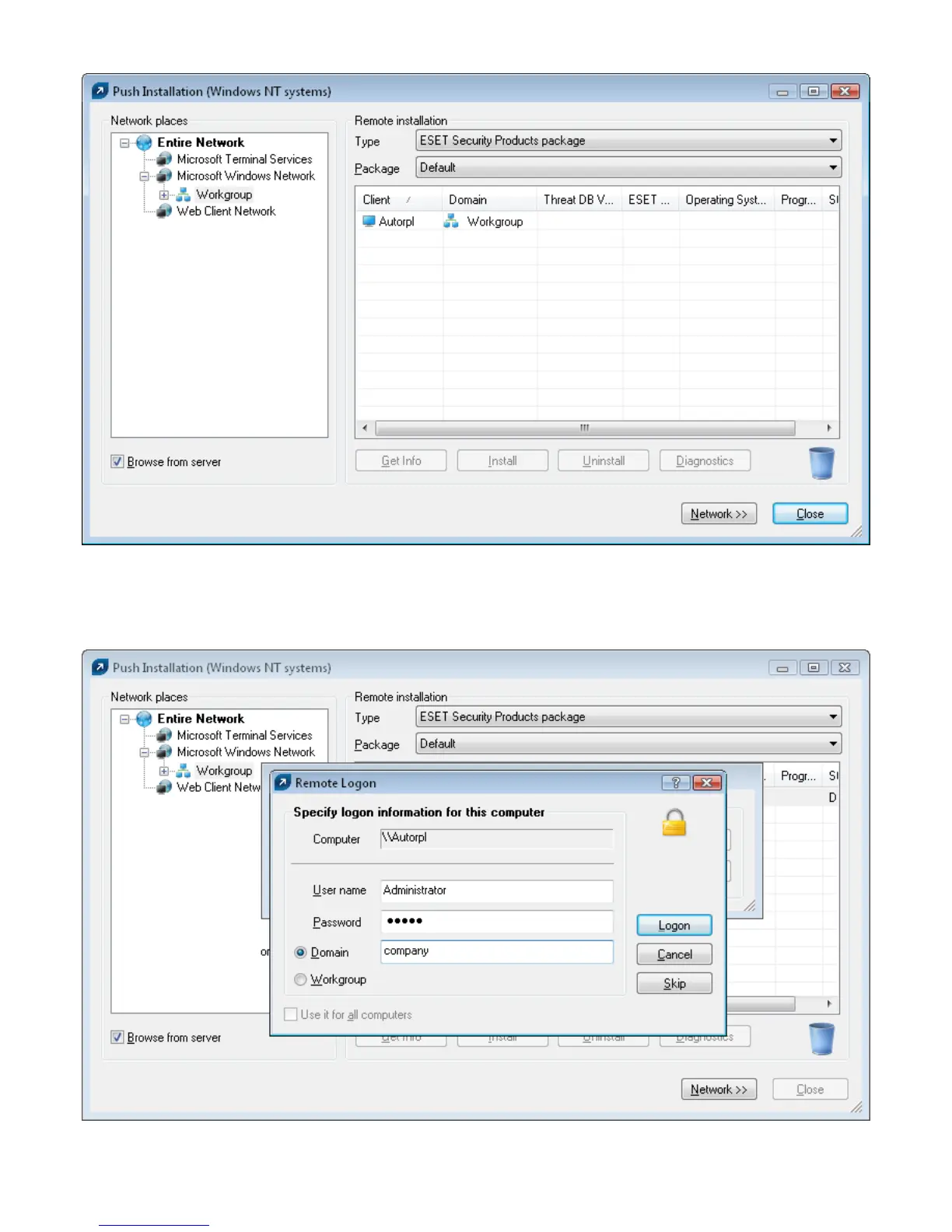
From the Package dropdown menu, select the desired install package to be delivered to target workstations.
In the panel on the right, select those workstations to which you intend push the package.
Click Install you can also click Get Info to view information on selected clients.
In most cases, you will be prompted to insert the user name and password of the account under which the
installation will take place it must be an account with administrator rights.
The following operations are indicated by a progress bar and a text message. The operations are described below:
ERAS sends the einstaller.exe agent to the workstation with the help of the administrative share admin$.



 To Next Page