. Scheduler setup
To modify scheduled tasks remotely, open the ESET Configuration Editor and navigate to ESET Smart Security,
ESET NOD Antivirus > Kernel > Setup > Scheduler/Planner or NOD version / General /Setup / Scheduler/
Planner and click the Edit button.
If you intend to add new tasks, you can use a completely new empty .xml configuration. If you wish to modify or
remove existing tasks, it is necessary to:
• Use an .xml configuration exported from the given client
• Or use the same IDs of the tasks you intend to Edit or Remove.
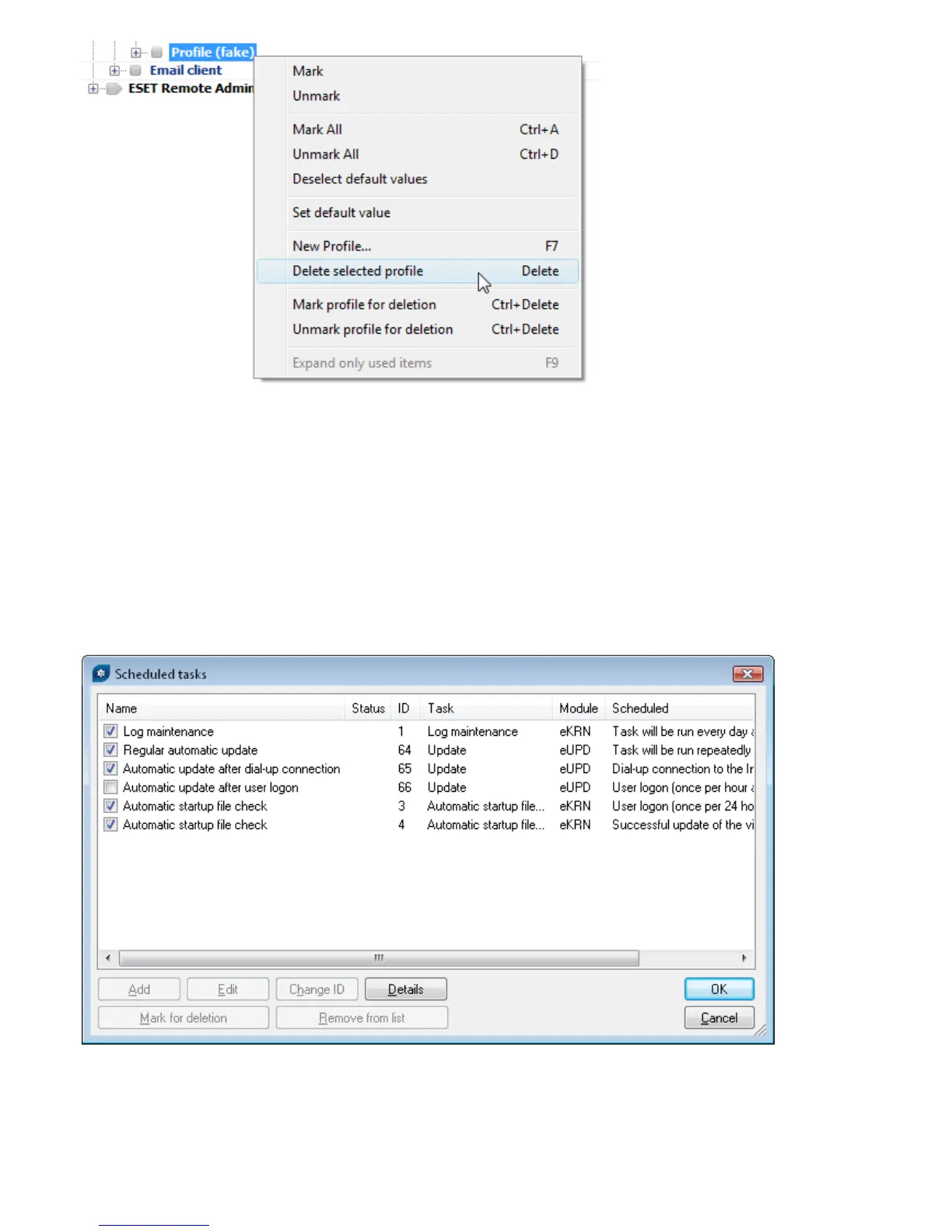
This is the resulting Scheduled tasks window from an exported .xml configuration:
Every new task is assigned an attribute ID. Default tasks have decimal IDs , , ... and Custom tasks are assigned
hexadecimal keys e.g., AEDC, which are automatically generated when creating a new task.
If the check box for a task is selected, it means that the task is active and that it will be performed on the given
client.



 To Next Page