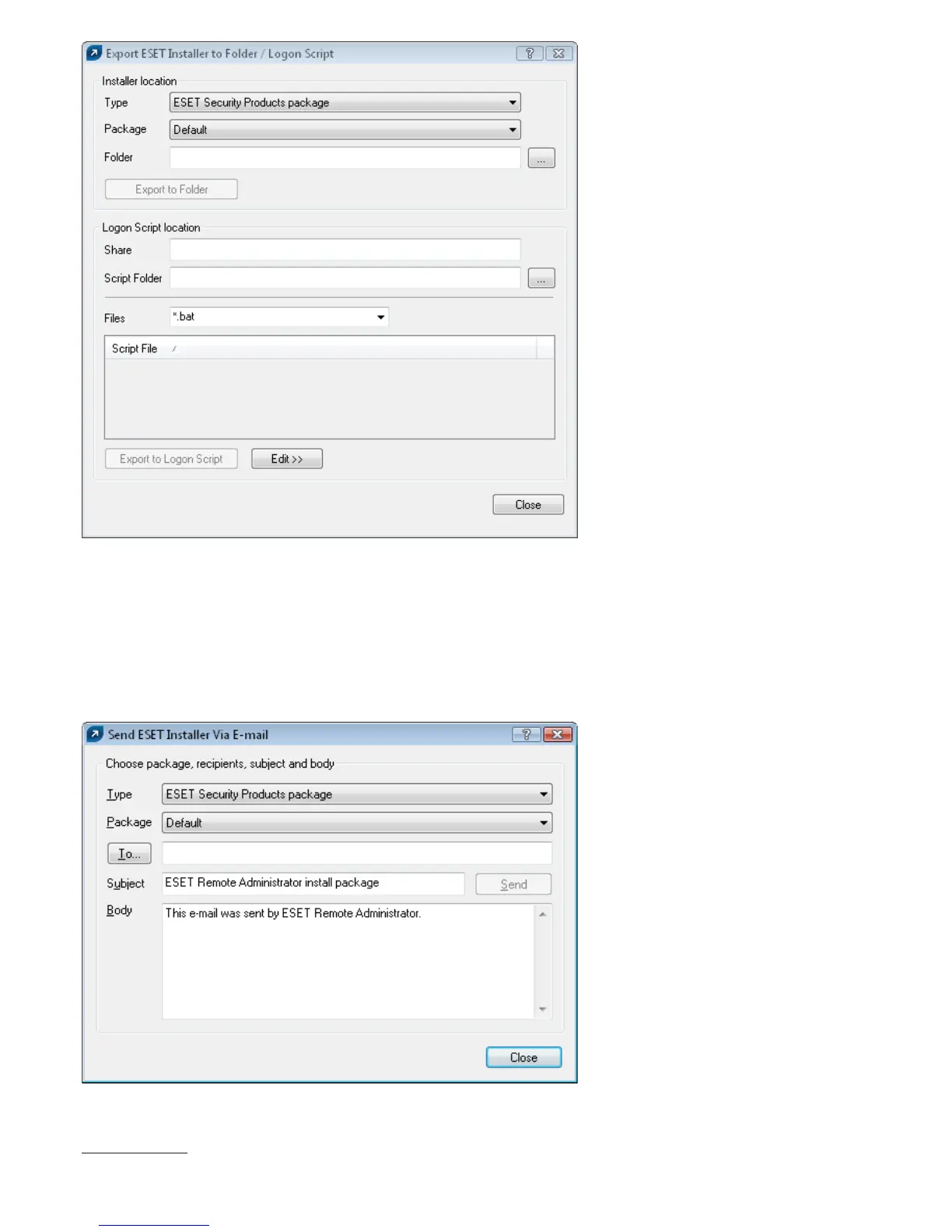
Figure Export Installer to Folder / Logon Script dialog window
Attaching the agent einstaller.exe to email:
• Click Email... on the Remote Install tab and select the Type and the name of the Package you wish to install.
• Click To... to select addresses from the address book
or insert individual addresses.
• Insert a Subject in the corresponding field.
• Type a message into Body.
• Click Send to send the message
.
Figure Send Eset Installer Via Email dialog window
During the process of remote installation, backward connection to ERAS takes place and the agent einstaller.exe
The ERA Console opens the Microsoft Outlook address book provided it is installed on the same computer as
ERAC.



 To Next Page