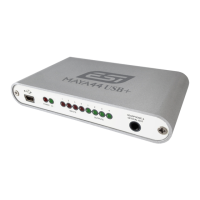
ESI MAYA44 USB+
5
2. Installation
2.1 System Recommendation
MAYA44 USB+ is not simply a standard digital audio interface card, but a high-resolution device
capable of advanced processing of audio content. Even though MAYA44 USB+ is built to have
low-CPU resource dependability, system specifications play a key part in the MAYA44 USB+s
performance. Systems with more advanced components are generally recommended.
Minimum System Requirements
PC
- Intel Pentium III 600MHz CPU or comparable AMD CPU (or equivalent)
- Windows XP or Windows Vista / 7 / 8 (32- and 64-bit) operating system
- 1 available USB port
- at least 2 GB RAM
- high quality audio software with ASIO support recommended
Mac
- Macintosh with Intel CPU
- 1 available USB port
- at least 2 GB RAM
- Mac OS X 10.4 or higher
2.2 Hardware Installation
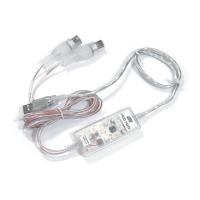
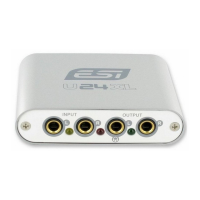
MAYA44 USB+ is simply connected to an available USB port of your computer. A separate power
supply is not required, as MAYA44 USB+ is a USB powered device. Simply install the hardware
by plugging it into your computer with the supplied cable.
USB port of a computer
2.3 Driver & Software Installation
After the connection of MAYA44 USB+, the operating system automatically detects it as a new
hardware device. Modern operating systems like Windows XP, Windows Vista/7/8 or Mac OS X
usually detect the hardware directly and are installing the correct USB audio drivers automatically.
You can use MAYA44 USB+ already now in typical consumer audio applications that do not need
special professional ASIO driver support. Under Windows XP this could be for example programs


 To Next Page