19
ENGLISH
DVD VCD CD SA-CD DVD-A
Playback (1)
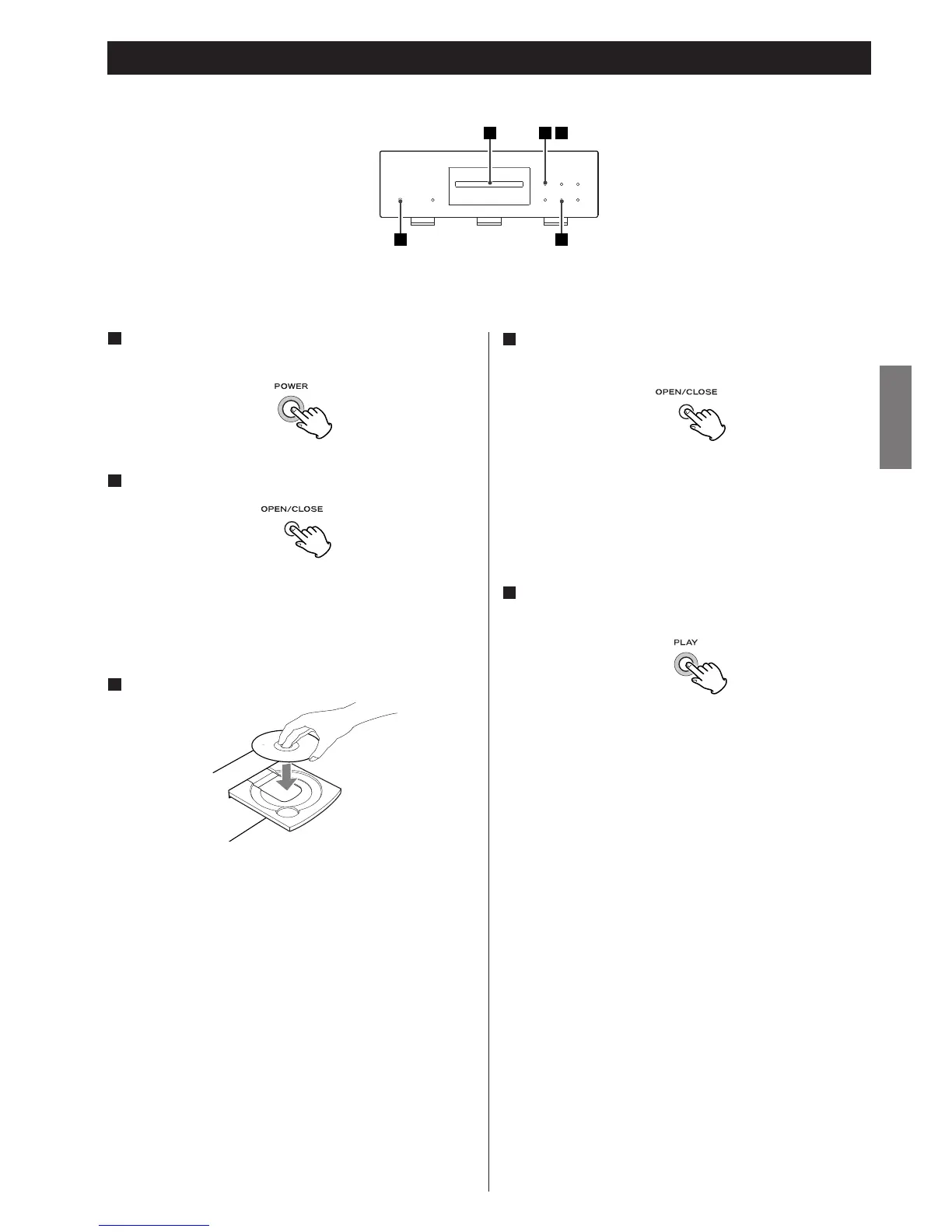
Press the OPEN/CLOSE button (L) to open the tray.
2
Insert the disc label side up.
< In the case of double-sided discs, the side to be played should
be face down.
< Make sure the disc is centered in the tray in order to avoid
any malfunction or jamming of the tray or damage to the
disc.
3
The tray will close. Take care that you don’t catch your fingers
in the tray.
The unit reads the disc (this may take a little time).
Some discs may automatically start playback.
Press the PLAY button to start playback if playback has
not started automatically.
5
If a menu is shown on screen (some DVD or video discs may
show such a menu), see the next section.
Press the POWER button to turn the unit on.
The ring surrounding the button lights when the unit is on.
1
Press the OPEN/CLOSE button (L) again to close the
tray.
4
< The tray opens after a few seconds (this delay is normal and is
due to movement of the VRDS and other mechanisms within
the unit).



 To Next Page