Using Drip
Coffee
Side
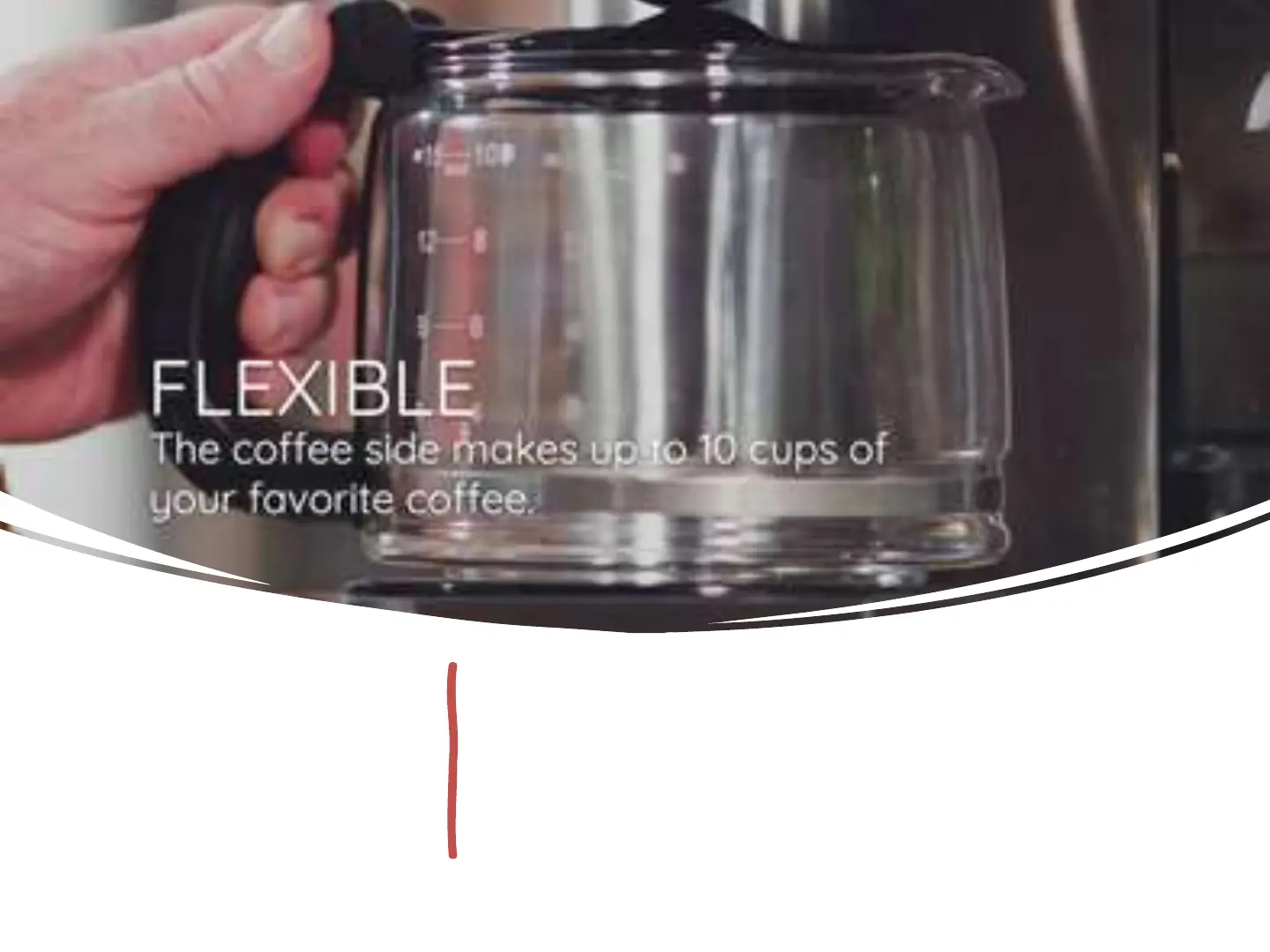
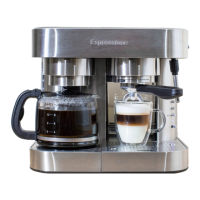
• Make sure (h7) bottom switch is OFF (to the left). To turn on
the drip coffee side, you slide the switch at the top (h2) to the
right. This will start the coffee brewing process. The light (h1)
will start to blink as the coffee is being made. The water will
start to heat and brew the pot of coffee. When done, you can
leave the glass on the warmer to keep the coffee warm.


 To Next Page