51
A, B - Push buttons for operation of digital
functions
C - Backlight
Crown Positions:
Pushed in - To Change/Select MODE
Position 1 - Normal/Running
Position 2 - Analog TIME-setting
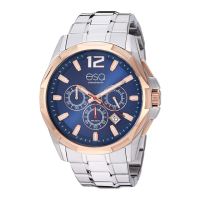
Your ESQ SWISS analog/digital watch fea-
tures a time zone function with city index,
alarm-timer, day-date-week display, EL back-
light, battery life indication, and 3-mode oper-
ation: Time, City-Select and Alarm. The fol-
lowing instructions detail how to access, set
and use the features available in each mode.
To Enter/Select Modes:
1. Push crown in to activate/change modes.
Each push and release will advance you to
the next mode in this sequence: Time Mode -
Select a City Mode - Alarm Mode - Time
Mode, etc.



 To Next Page