CONNECTING THE TELEPHONE LINE Page 8
CONNECTING THE TELEPHONE LINE
HELPY QUICK – ST61
The device allows the connection of a PSTN line or GSM line by means of the
GSM200 module or a traditional GSM interface.
PSTN line or traditional GSM interface
Connect the ground terminal (indicated by ) to a ground socket in order
to increase the telephone line protection.
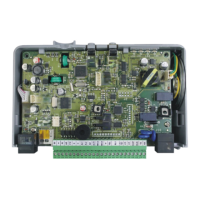
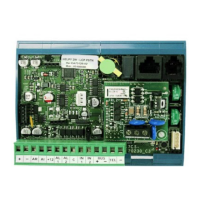
Make sure that Jumpers (G in the picture at page 2 or H in the picture at
page 6) are set in the position shown below (default setting).
Connect the telephone line to the LTI.
GSM200 Module
Please see also the GSM200 User Manual.
Make sure that Jumpers (G in the picture at page 2 or H in the picture at
page 6) are set in the position shown below.
Connect the RJ45 connector (F in the picture at page 2 or G in the picture at
page 6) to the GSM200 module by means of the supplied cable.


 To Next Page