Need help?
Do you have a question about the essentiel b EB_VM-10-SF and is the answer not in the manual?
Safety instructions and precautions for using the Essentiel B mouse, covering handling and environmental risks.
Lists the items included in the Essentiel B mouse package.
Specifies the operating systems and hardware needed to use the mouse.
Details the technical specifications of the wireless optical mouse, including connectivity and sensitivity.
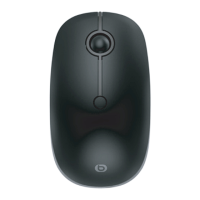
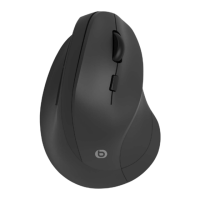
Identifies key components of the ergonomic mouse, including buttons, scroll wheel, and sensors.
Step-by-step guide on how to insert the AA battery into the mouse compartment.
Steps to resolve connection problems between the USB receiver and the mouse.
Declares conformity of the EB_VM-10-SF mouse with EU Directive 2014/53/EU.
 General
| Model | EB_VM-10-SF |
|---|---|
| Category | Mouse |
| Connectivity | Wireless |
| Type | Optical |
| Number of Buttons | 3 |
| Color | Black |
| Scroll Wheel | Yes |
| Battery Type | AA |
| Battery Life | 12 months |
| DPI | 1600 |

 To Next Page