EasyManua.ls Logo

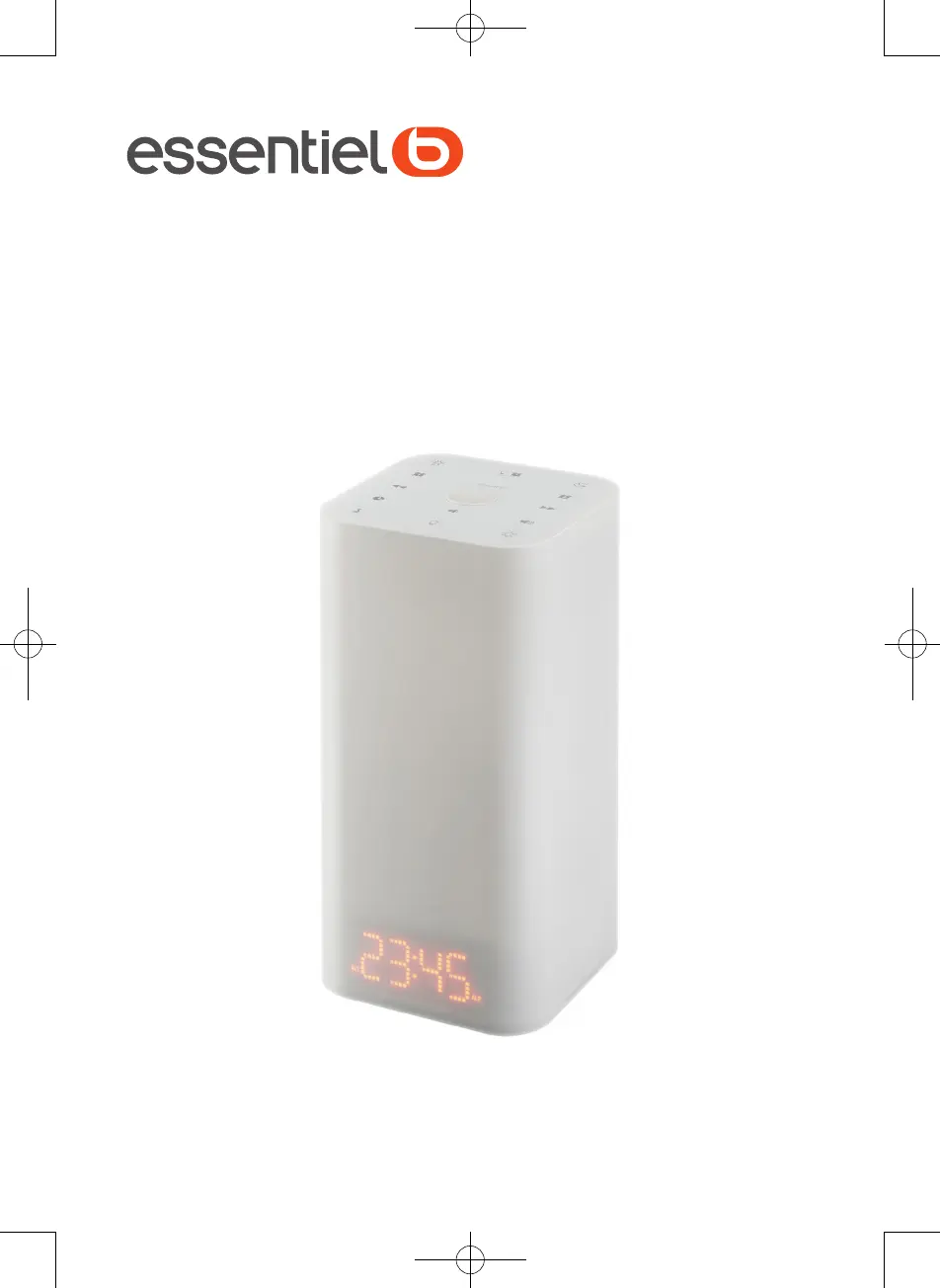
essentiel b Lumin Up II - User Manual

essentiel b Lumin Up II
29 pages
Go to English
Print Icon
To Next Page IconTo Next Page
Loading...
Notice d’utilisation / User guide / Instrucciones de uso /
Bedienungsanleitung / Gebruiksaanwijzing
veil Simulateur d’aube / Sunrise
alarm clock / Despertador simulador
de amanecer / Tageslichtwecker /
Wekker met Dageraadsimulator
Lumin’Up II

Questions and Answers

  • K
    Kenneth MccoyAug 4, 2025
    Why is the FM reception so poor on my essentiel b Lumin Up II?
    • E
      Edward HernandezAug 4, 2025
      Poor FM reception on your essentiel b Alarm Clock can occur if the radio alarm clock hasn't been tuned correctly. Try tuning the FM station using the tuning buttons. Also, interference from electrical devices like microwave ovens or TVs can cause this issue. Move your alarm clock away from these sources and ensure the antenna is positioned correctly.
  • G
    Gregory LloydAug 9, 2025
    What to do if my essentiel b Lumin Up II will not switch on?
    • K
      Katherine CooperAug 9, 2025
      If your essentiel b Alarm Clock isn't switching on, the issue might be that the device isn't properly plugged into a working power outlet. Ensure the appliance is plugged into a mains socket and test the socket with another device to confirm it's providing power.
  • P
    Paul EvansAug 15, 2025
    How to fix alarms that don't work on essentiel b Lumin Up II?
    • Y
      yhendersonAug 15, 2025
      If the alarms on your essentiel b Alarm Clock aren't working, it might be because they aren't set properly. Please refer to the Setting the alarms section. Also, ensure that the alarms are enabled.
  • W
    wsanchezAug 20, 2025
    Why is there no sound coming from my essentiel b Alarm Clock?
    • X
      xmyersAug 20, 2025
      If you're not getting any sound from your essentiel b Alarm Clock, the volume might be set to the minimum. Try adjusting the volume using the and buttons.
  • M
    Mary HamiltonAug 25, 2025
    What to do if the USB peripheral on my essentiel b Lumin Up II isn't working?
    • Y
      youngpaulAug 26, 2025
      If a USB peripheral isn't working or functioning correctly with your essentiel b Alarm Clock, it might not be getting enough power from the USB port. Verify that your device requires a current of 1.0A. If it needs more, it may run slowly or not at all.
  • H
    henrykerrAug 30, 2025
    What to do if my essentiel b Alarm Clock is malfunctioning?
    • K
      Keith BrownAug 30, 2025
      If your essentiel b Alarm Clock is malfunctioning or making unusual noises, unplug the appliance for 30 minutes. After this period, plug it back in and turn it on.

Summary

Product Contents

Box Contents

Lists items included in the product packaging.

Technical Features

Product Specifications

Details the functionalities and specifications of the alarm clock.

Installation

Connecting to Power Outlet

Instructions for connecting the device to a mains power outlet.

Battery Installation and Replacement

Guide for installing or replacing backup batteries.

Usage

Setting the Time

Step-by-step guide to setting the clock time.

Adjusting Volume and Display

How to adjust audio volume and display brightness.

Setting the Alarm

Instructions for programming and configuring alarms.

Listening to Radio

Guide to tuning into radio stations and managing presets.

Troubleshooting Guide

Problem Resolution

Table listing common issues, causes, and solutions for the device.

Declaration of Conformity

Regulatory Compliance

Statement regarding the device's compliance with EU directive.

essentiel b Lumin Up II Specifications

General IconGeneral
Brandessentiel b
ModelLumin Up II
CategoryAlarm Clock
LanguageEnglish