User Manual - Neptune Mini Filtering System
______________________________________________________________________________
V 1.2
- 7 -
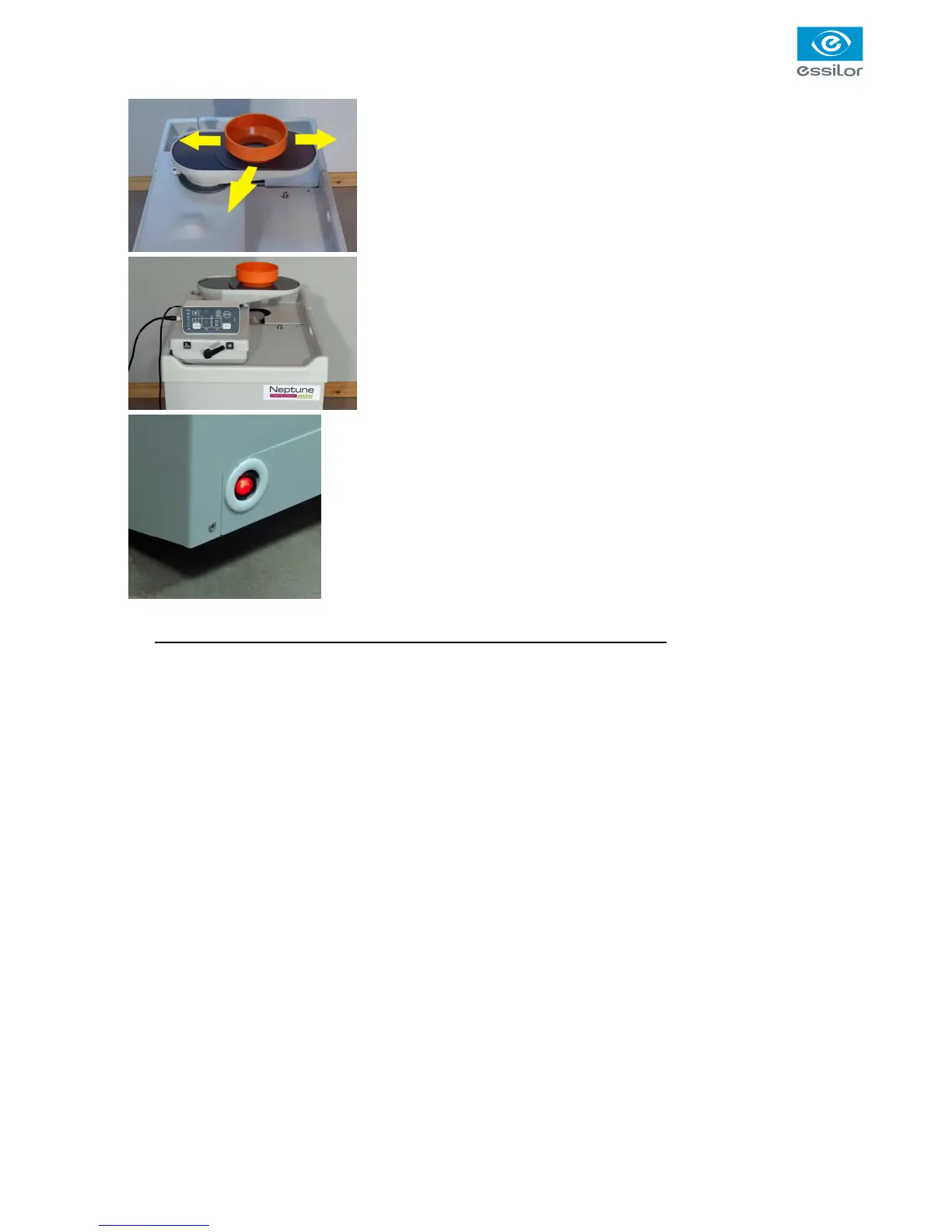
13. Connect the control unit,
• Run the cable through a hole in the work bench
• Connect the cable to the box
• Place the box next to the edger
14. Connect Neptune to the mains.
15. Switch on the power switch on the front side of the filtration system
Neptune (diodes of the control box will flash and initialize).
16. Fill the tank of the working tank (rear tank) with 25 litres of water. The
green diode of the series of three diodes (MIN, OK, MAX) located on
the box should be lit. If there is not enough water, the lower red light
(MIN) is on, add water. If you put too much water, the upper red light
(MAX) lights up.
It is imperative to pull water out from the tank to return to the OK position
17. Set up the return drain (100mm diameter) between the edger and Neptune
18. Neptune is ready to be used



 To Next Page