ESI U168 XT
8
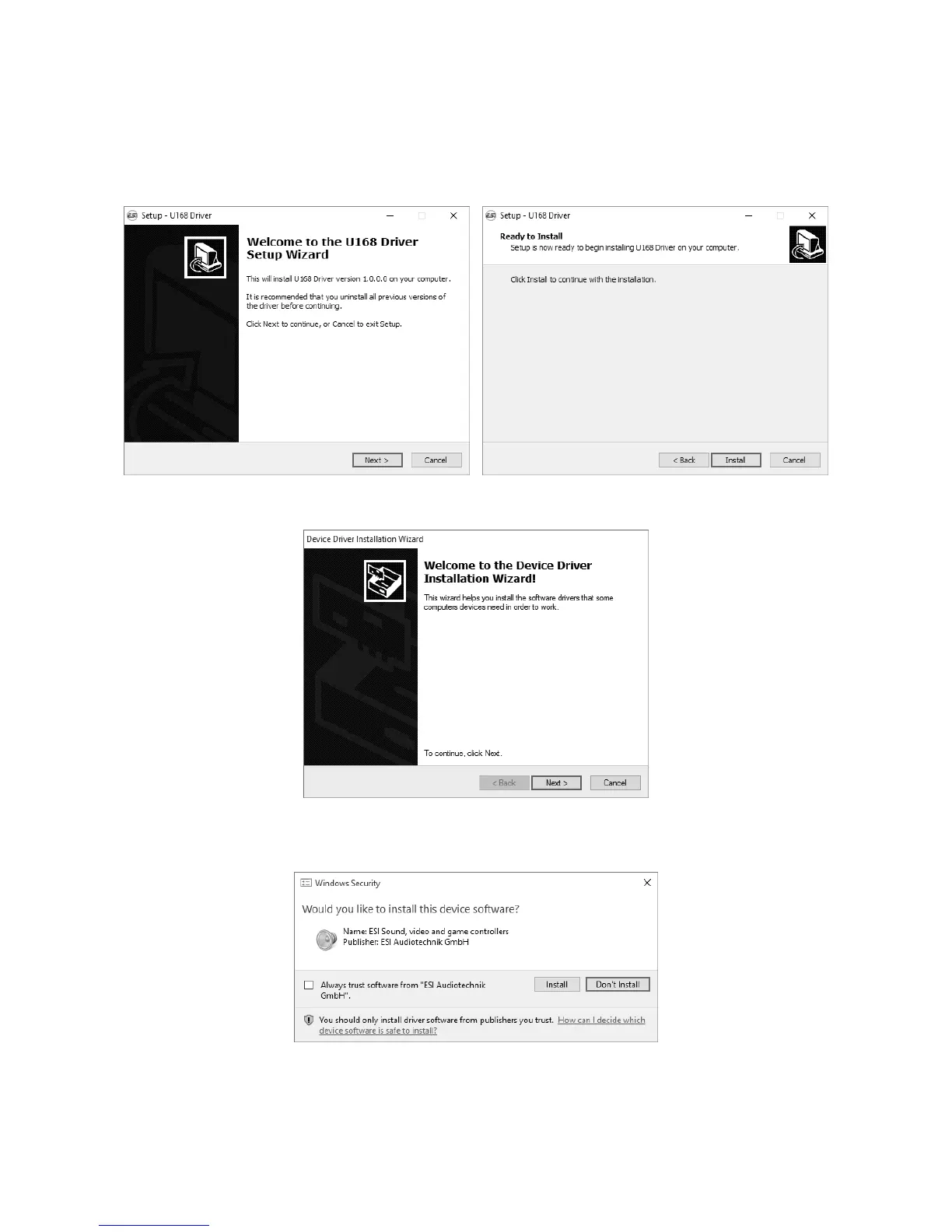
included Installation DVD, by double clicking on it. When launching the installer, Windows might
display a security message. Make sure to allow the installation. After that, the following dialog on
the left will appear. Click Next and then the dialog on the right will appear:
Now click Install. Files are now being copied. After some time an additional dialog will appear:
Confirm this by clicking Next. Again some files are being copied and typically you will be
prompted with a Windows Security message like this:
Confirm it by clicking Install. After a while the installation then will be completed and the
following dialog will appear:



 To Next Page