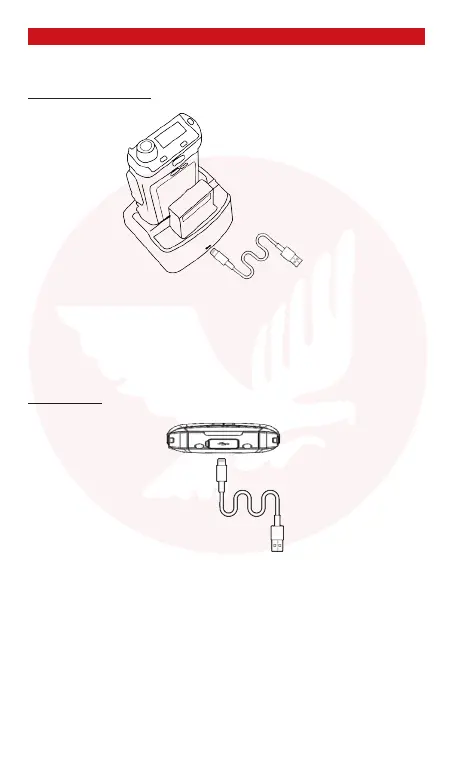
Baery charging
With the desktop charger
Connect the desktop charger and AC adapter with the USB cable. The red light
on the charger indicates that the baery is charging. When the light is green it
indicates that the baery is fully charged.
With USB cable
Connect the terminal and AC adapter with the USB cable. The red light on the ter-
minal indicates that the baery is charging. When the light goes o it will indicate
that the baery is fully charged.
Do not use the two charging methods simultaneously
Important: use only the supplied charger. The baery must be fully charged
before its rst use.
Do not expose the baery to high temperatures.
Do not try to disassemble the baery.
Connect USB cable to the
charging cradle
Connect to USB charger



 To Next Page