EN
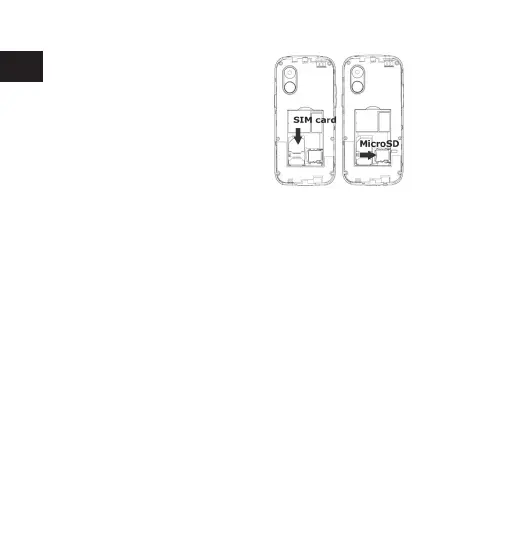
The SIM card contains your
phone number, PIN code, links
to operatorservices, contacts
and SMS messages. To access the
compartment containing the SIM
slot, turn o the phone and lift up
the cover starting from the slit on
the bottom right corner. Remove the battery. Insert the SIM card into
the slot with the gold contacts facing down.
in order to use media player functions, a micro-SD memory card is
required (not included in the package): the card must be placed into
the rearof the phone to the right of the SIM slot. Insert the micro-SD
card as shown, with the gold contacts facing downwards: open the
metal shutter by pushing it towards “open” and lock it again after
inserting the card by pushing it in the opposite direction (“lock”).
to turn on and turn o the phone, press and hold the red end call key.
The keypad locks by closing the ip.
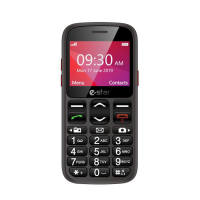
use the USB cable to connect eSTAR S23 to a computer. Select U Disk
on your phone. You can save les on SD card.
Insert the SIM card:
Inserting a memory card:
Turn ON, Turn OFF and keypad lock:
Connecting to a PC:


 To Next Page