5 / 8
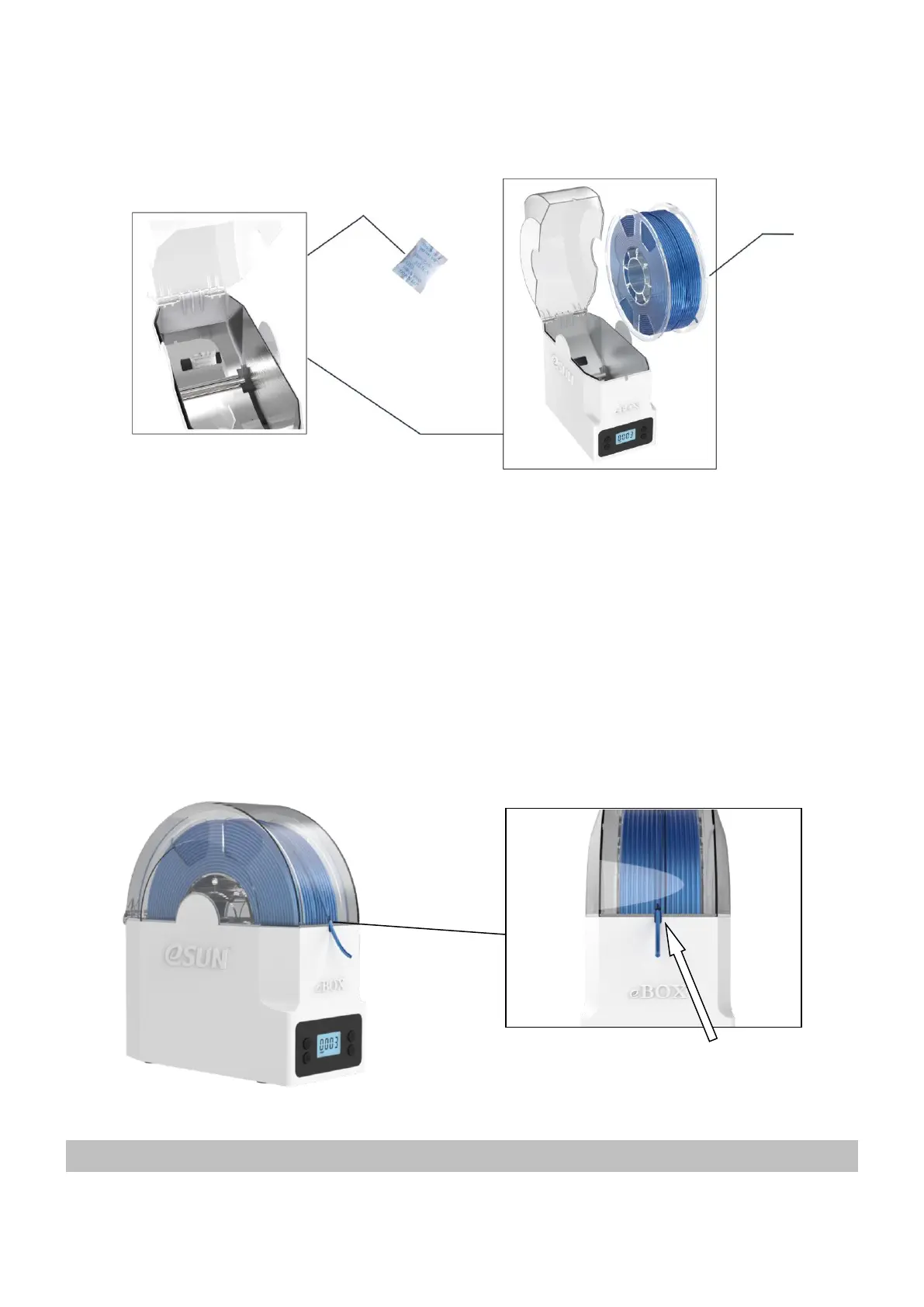
setzen Sie dann die Spule in.
4.
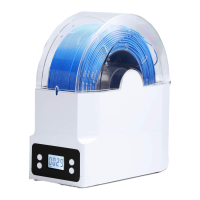
Put the spool in and pull the filament out through the outlet, close the cover. (The direction to pull filament can
be bottom-up, or from top to bottom, depending on the position of printer)
Setzen Sie die Spule ein und ziehen Sie das Filament durch den Auslass heraus, schließen Sie die Abdeckung. (Die
Richtung der herausgezogenen Linie kann von unten nach oben oder von oben nach unten sein, je nach Position des
Druckers)
Parameter Setting
Parameter Einstellung


 To Next Page