Note
Do not use different type of batteries: Do not use used and new batteries together.
IV. INSTRUCTIONS FOR USE
Your scale is fine electronic equipment. One of the things that are most difficult to weigh
is human body as it is always in motion. If you want to obtain reliable results, always try to
step with your feet at the same place on the scale and stand still (Fig. 1). If possible, weigh
yourself at the same time of the day (best in the morning) and also on the same place to get
comparable results. Remember that excessive clothes can increase your weight as well as
eating and drinking before weighing. Short–term weight fluctuation is generally attributed to
loss of liquids.
A) Regular weighing mode
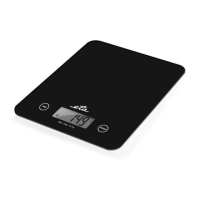
Turn the scale on by stepping on the weighing surface. After a moment, the measured
weight flashes and the value remains displayed for several seconds. Then the scale are
switched off automatically.
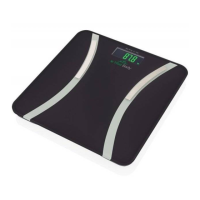
B) Weighing and total body analysis mode
Setting (change) of personal data for the body fat and water analysis
Before the first analysis, it is necessary to put in personal data (sex, height and age) which
will be saved to the memory. It is possible to save data of 10 persons in the scale‘s memory.
The input data can be set and gradually changed in the following range:
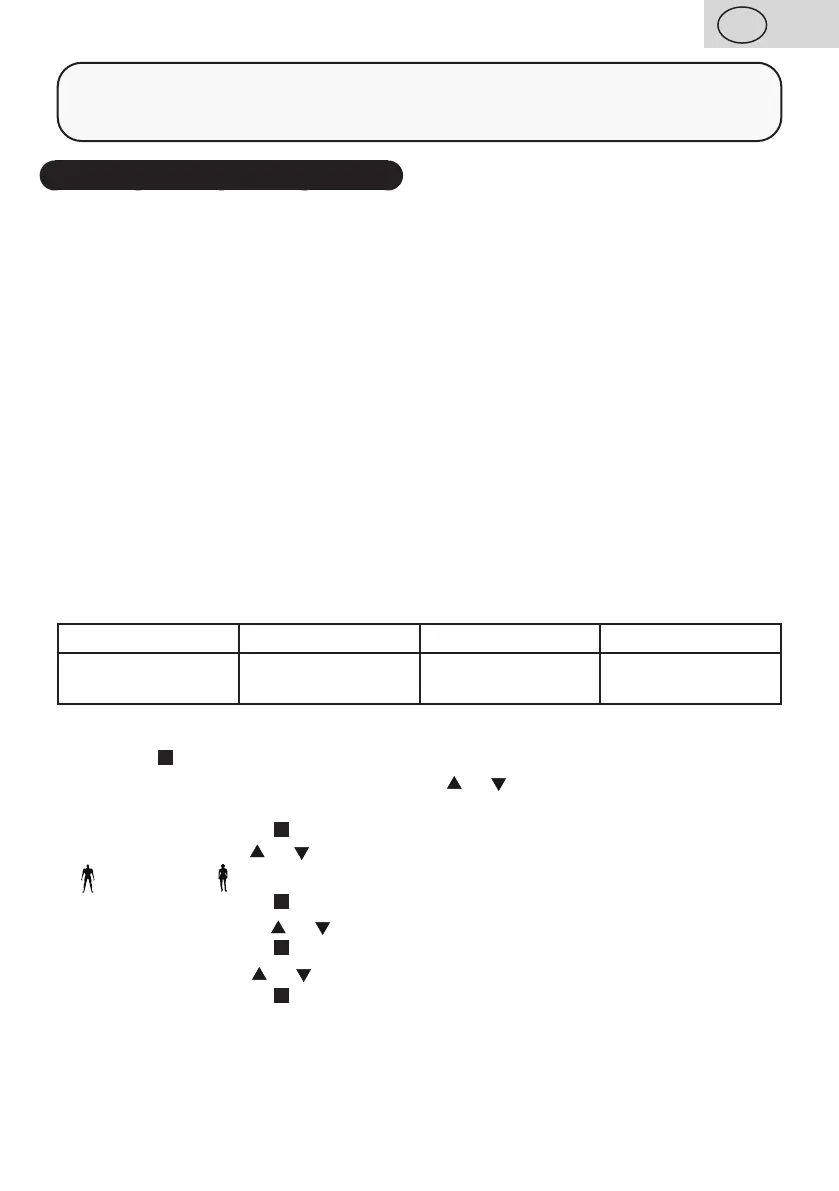
Memory Gender Height Age
0 – 9 male / female
100 – 220 cm
3´03.5“ – 7´02.5“
10 - 80
1. Turn the scale on by stepping on the weighing surface.
2. Press the
button.
3. Select the number of the memory (with button
or ) to which you want to save the data
for the person to be weighed.
Confirm by pressing the
button.
4. Set your sex with the
or button:
male / female
Confirm by pressing the button.
5. Set your height with the
or button.
Confirm by pressing the
button.
6. Set your age with the
or button (Age)
Confirm by pressing the
button.
Now all the personal data is saved (changed). Wait till 0.0 appears. Stand on the scale and
wait for results.
23
GB
/ 51


 To Next Page