GB 19
Setting the tone of the audible signal
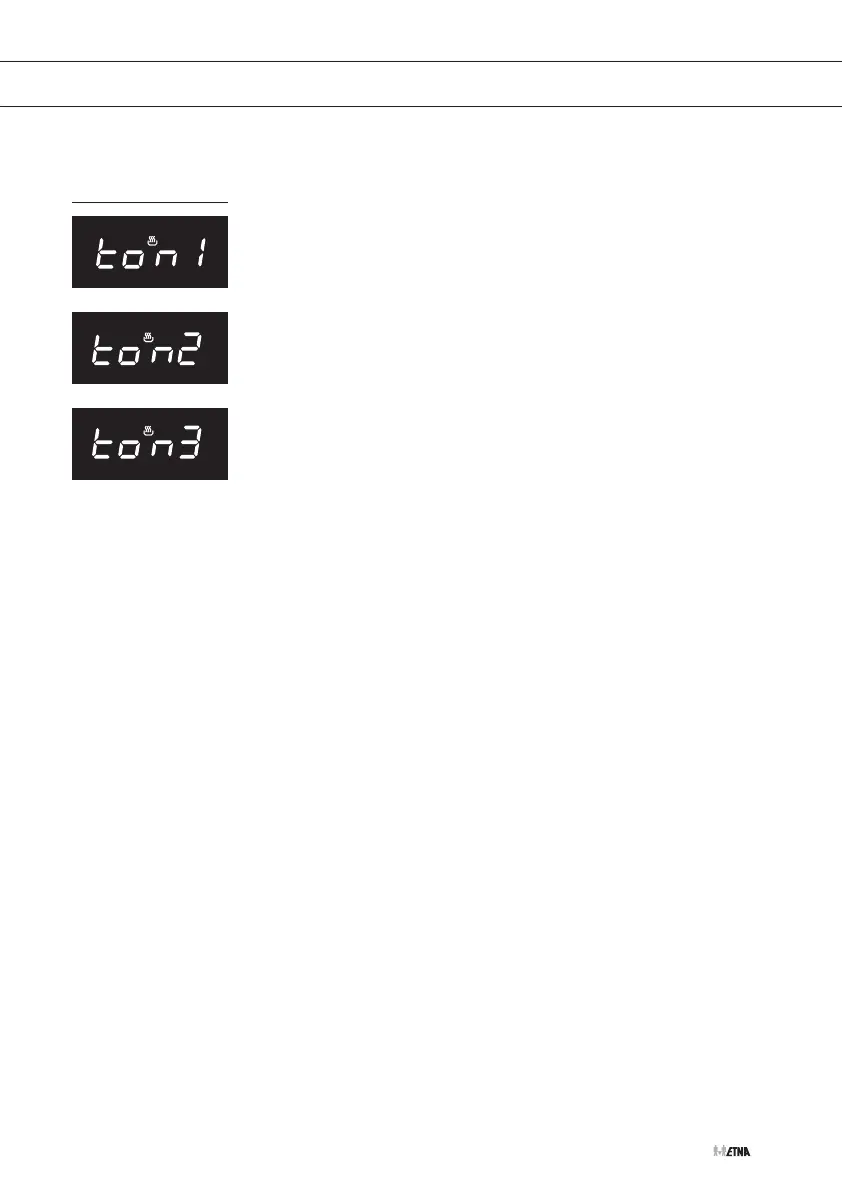
The audible signal has three different settings:
• High tone
• Medium tone
• Low tone
1. Press on the - button and the
+ button at the same time for three seconds.
2. After this press the kitchen timer/timer button.
'ton 1' will flash in the display.
3. Press the - button repeatedly in order to choose another tone.
4. Finally press the kitchen timer/timer button once again in order to
set the desired tone.
OPeratION


 To Next Page