EN 16
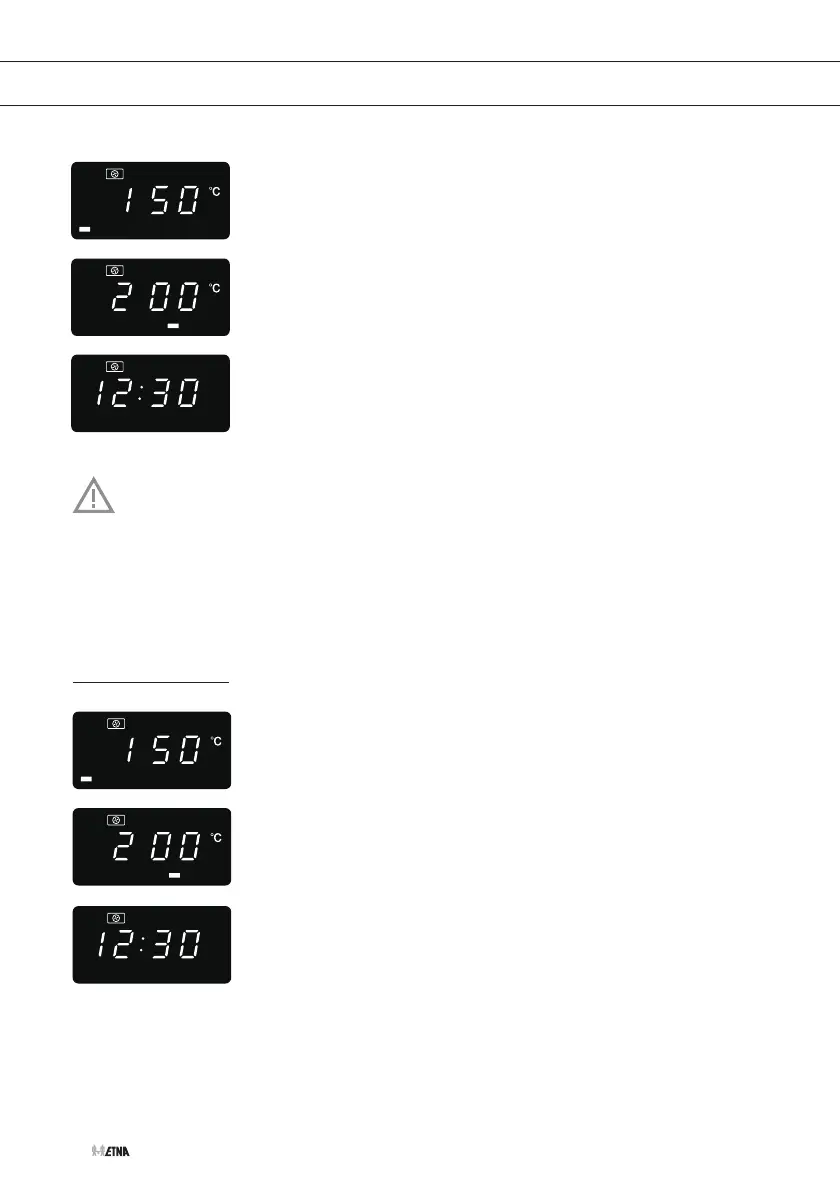
1. Press the convection button once.
▷ ‘150’ flashes.
2. Press the convection button repeatedly or turn the adjust knob to
select the convection temperature: ‘150’, ‘160’, ‘170’, ‘180’, ‘190’,
‘200’, ‘210’, or ‘220’.
3. Press the start button to confirm.
4. Press the start button to start preheating.
5. When the temperature is reached, you hear 2 beeps and the
temperature flashes.
6. Put food in the oven and close the door.
7. Turn the adjust knob to adjust the cooking time (0:05 to 95:00).
8. Press the start button to start cooking.
Note
• The cooking time cannot be entered until the preheating temperature is reached.
When the temperature is reached, the door must be opened to enter the cooking time.
• If the time is not entered within 5 minutes, the oven will stop preheating, you will hear
5 beeps and the oven will shut off.
Convection cooking (without preheating function)
1. Press the convection button once.
▷ ‘150’ flashes.
2. Press the convection button repeatedly or turn the adjust knob to
select the convection temperature: ‘150’, ‘160’, ‘170’, ‘180’, ‘190’,
‘200’, ‘210’, or ‘220’.
3. Press the start button to confirm.
4. Turn the adjust knob to adjust the cooking time (0:05 to 95:00).
5. Press the start button to start cooking.
OPERATION


 To Next Page