OPERATIONGB 16
Auto menu
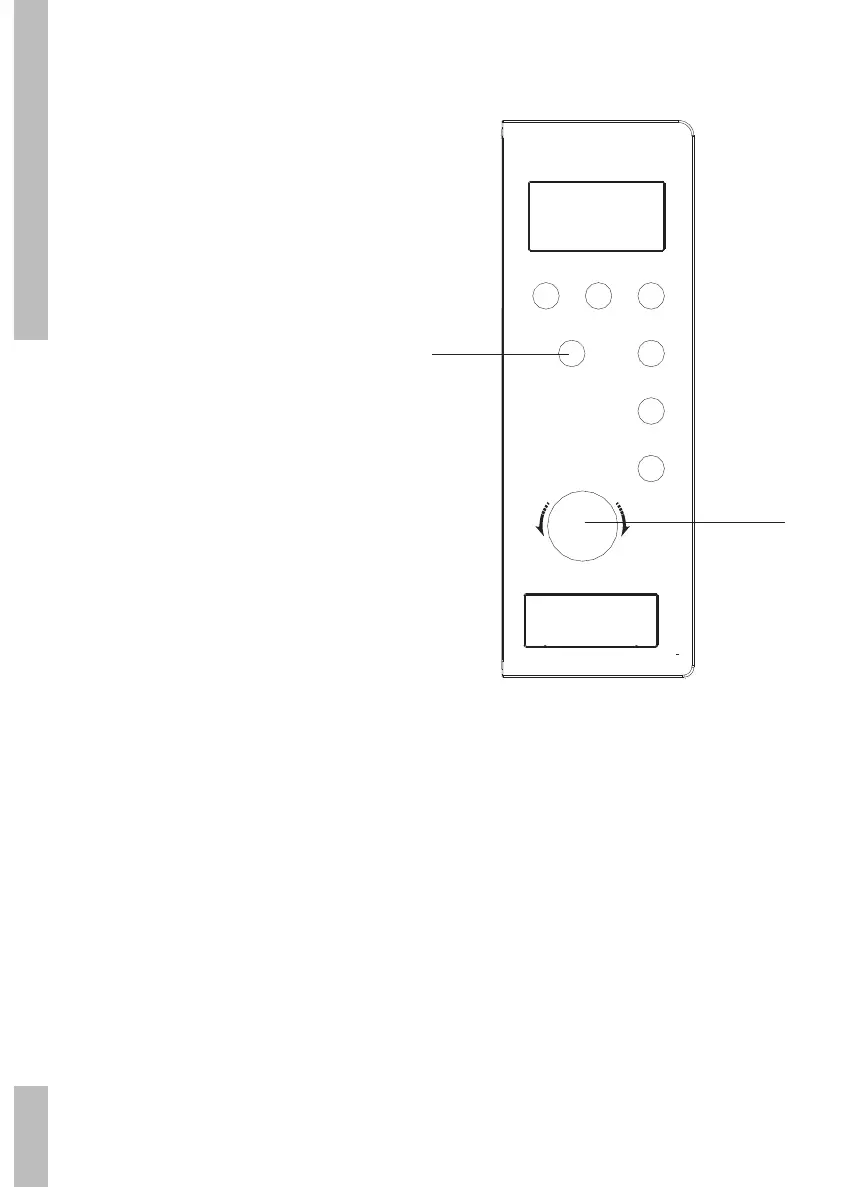
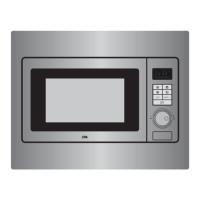
1 Turn the ‘Tijd/Gewicht/Auto Menu’ control
knob. Set the desired programme (A1, A2...
A10).
2 Press the ‘Start/OK’ button to confirm the
set programme.
3 Turn the ‘Tijd/Gewicht/Auto Menu’ control
knob. Set the desired weight or quantity.
4 Press the ‘Start/OK’ button to start the set
programme.
Magnetron
Hetelucht
Grill/Combi
Ontdooien
Start/Ok
Klok
Stop
T
i
j
d
•
G
e
w
i
c
h
t
•
A
u
t
o
M
e
n
u
1/3
2/4


 To Next Page