GB 10
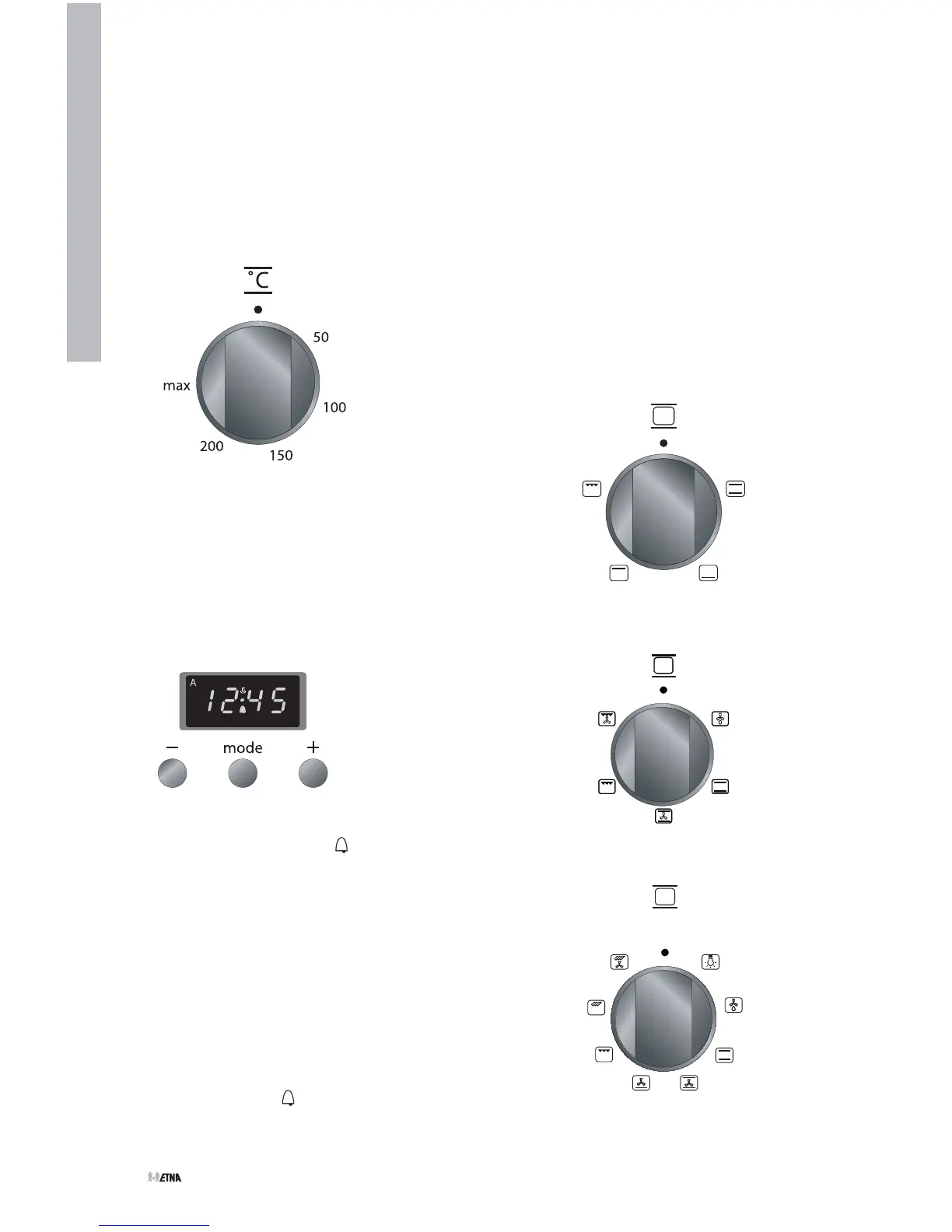
fig. 5
Switching on the oven
Thermostat control knob
You use the thermostat control knob to set
the temperature. The temperature range is
continuous.
Kitchen timer
The kitchen timer goes off after a pre-set time
has elapsed. The kitchen timer does not turn
the oven off.
■ Press the ‘mode’ key until appears in the
display. The point in the middle of the clock
flickers.
■ Set the cooking time using the –/+ keys.
Now wait 5 seconds. The cooking time is
set automatically.
■ The alarm goes off after the pre-set time has
elapsed. The symbol
in the display flickers.
Turn the alarm off using the ‘mode’ key.
Switching on the oven without timer
clock function
Choose an oven function by turning the knob
to the desired symbol. Choose the desired
temperature. The temperature can be
adjusted continuously.
Function knob
fig. 6
USE
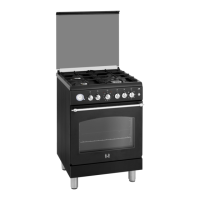
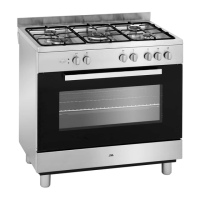
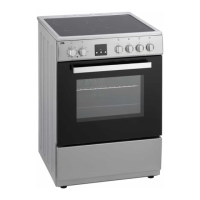
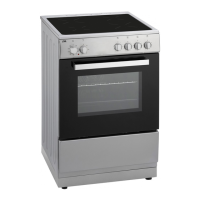
fig. 7 - EFG609/659/669
fig. 8a - EFG679
fig. 8b - EFG689V


 To Next Page