EN 14
Operating the oven
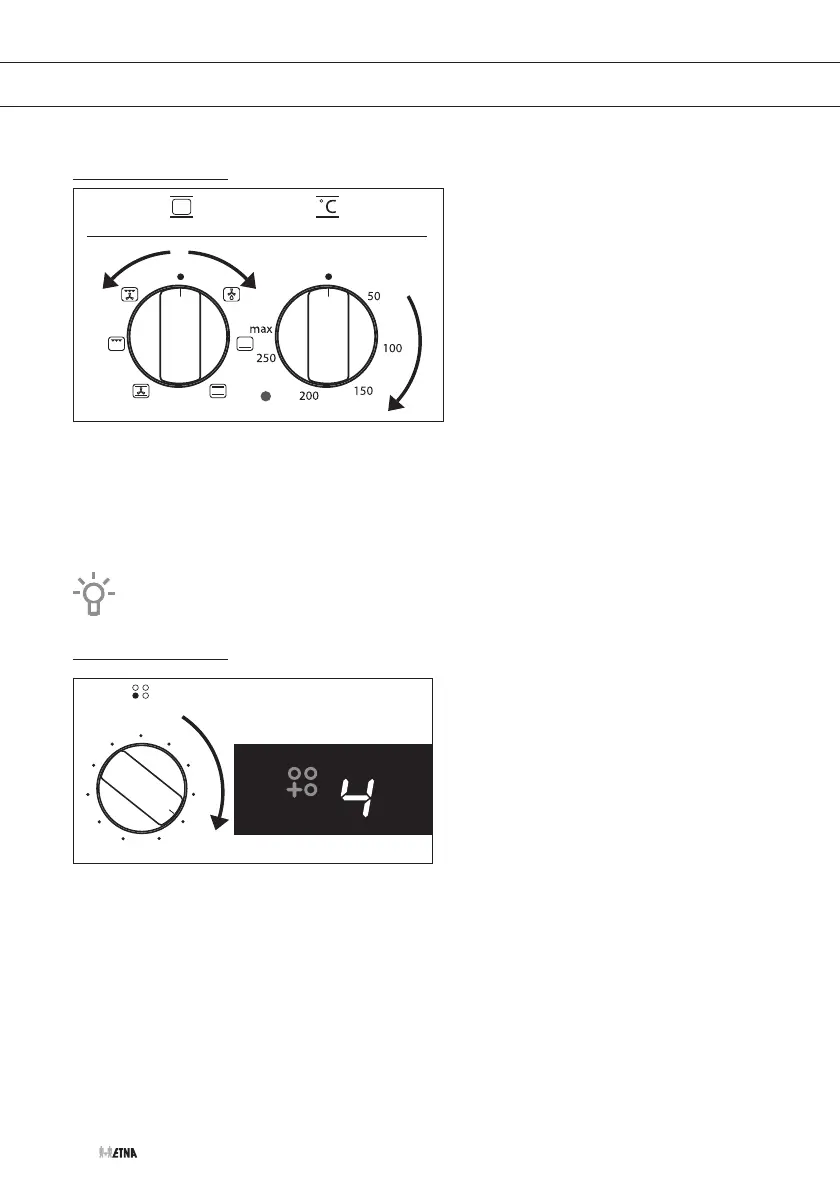
1. Turn the oven function knob to select an oven function.
▷ Consult the table in chapter ‘Oven functions table ‘to select the preferred function.
▷ Also consult the instructions for preparation on the dish packaging.
2. Turn the temperature knob to set an oven temperature (between 50 and 270 ºC).
▷ The oven thermostat control light will light up.
If necessary, first preheat the oven before placing the recipe in the oven.
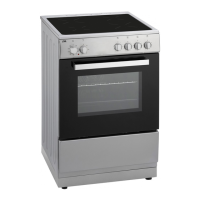
Operating the induction hob
6
7
8
5
4
3
9
P
2
1
0
Switching on and off
1. Place a pan on a cooking zone.
2. Turn the control knob clockwise to the desired position (see ‘Cooking settings’).
▷ A acoustic signal will sound.
▷ The display shows the setting that you have set and the cooking zone heats up.
▷ The cooking zones have 9 available heat settings. The zones also have ‘boost’ mode.
3. Turn the knob to ‘0’ to switch off the cooking zone.
▷ Three acoustic signals will sound.
▷ After a few seconds, the hob will switch to standby.
OPERATING


 To Next Page