EN 7
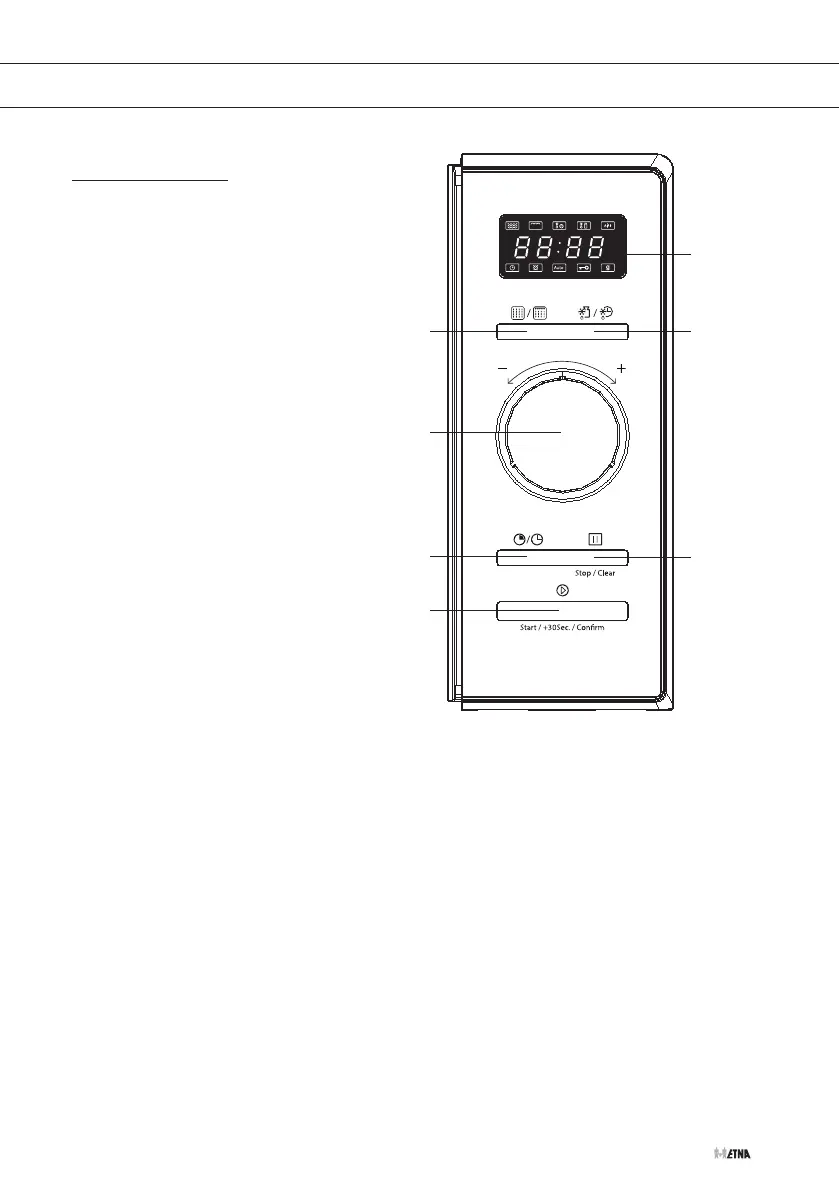
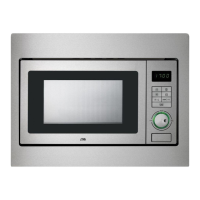
Control panel
1. Display with all symbols
2. Micro. / Grill / Combi. button
3. Weight / Time Defrost button
4. Adjust knob (Time / Weight / Auto Menu)
5. Clock / Kitchen Timer
6. Stop / Clear button
7. Start / +30Sec / Confirm button
Microwave / Grill / Combination button
Press the button (several times) to set the desired cooking mode.
Delayed start button / Clock button
• Setting a delayed start.
• Setting the clock.
Quick button / Start button
• Press the button once to start immediately for 1 minute with the highest power.
• After making a desired setting, press the button once to start the microwave with the setting
that has been made before.
YOUR MICROWAVE
1
3
6
2
4
5
7



 To Next Page