EN 5
YOUR OVEN
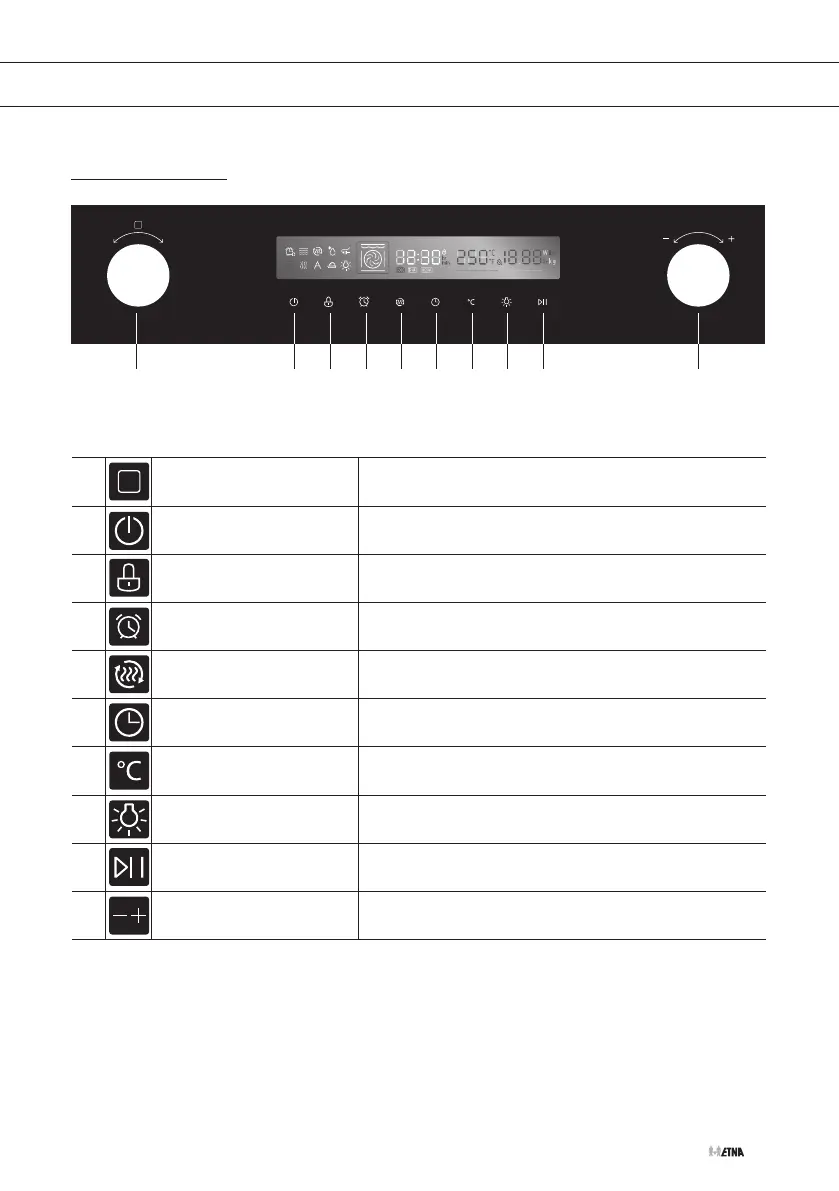
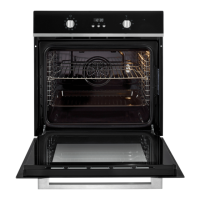
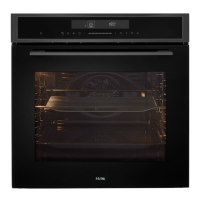
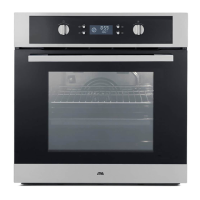
Control panel
1 2 53 6 84 7 9 10
1. Oven functions knob
Turn this knob to switch on the oven and to choose a
heating mode.
2. Cancel key Cancel the current state and enter standby mode.
3. Childproof lock key Use the childproof lock with 3s touch.
4. Kitchen timer key Use the kitchen timer function.
5. Quick preheat key Use this to preheat quickly.
6.
Cooking time /
Clock setting key
Set a cooking time / set the clock (in standby mode).
7. Temperature setting key Touch this key to set the temperature.
8. Oven lighting On / Off key Switch the oven lighting on or off.
9. Start / Pause key Start or pause the cooking process.
10. Selection dial knob Change the adjustment values shown in the display.



 To Next Page