EN 13
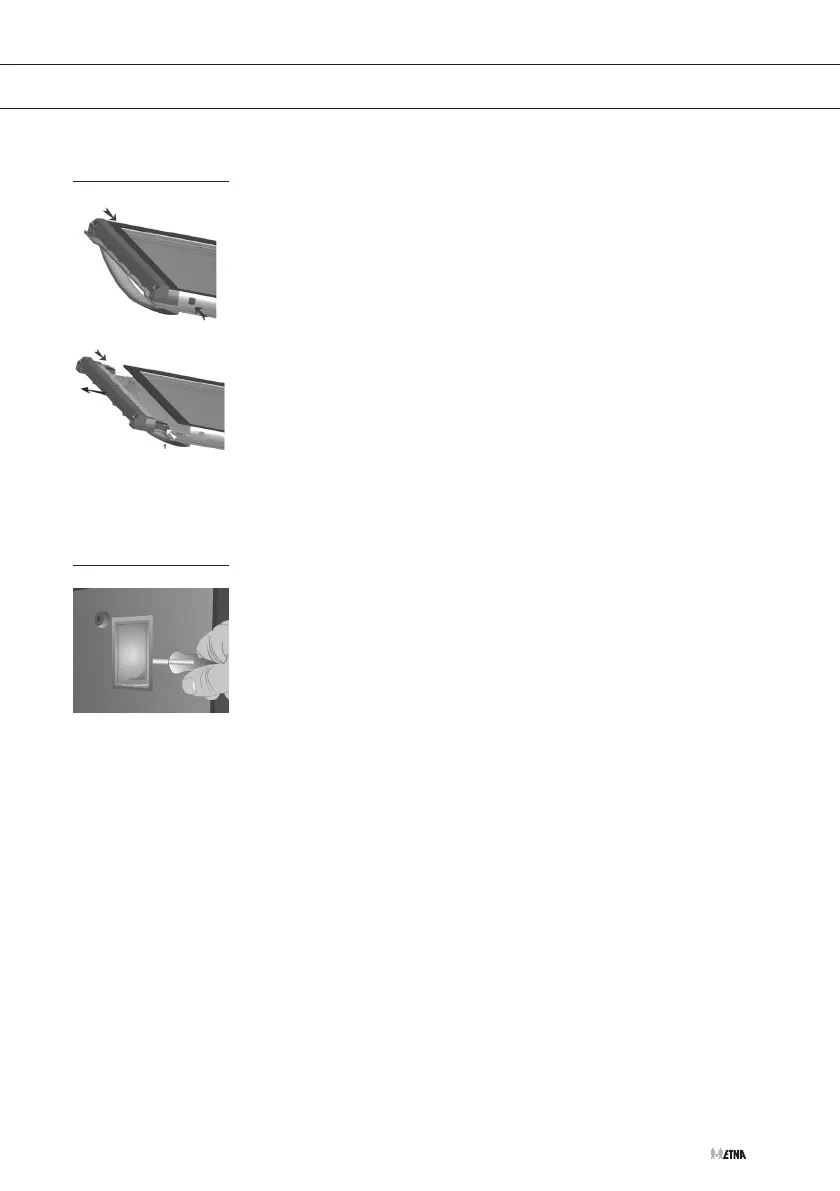
Removing the oven windows
The oven windows can be removed from the oven door to clean them
better.
• Push in the small pawls at the top left and right (1).
• Remove the top edge from the oven door.
• Remove the oven windows
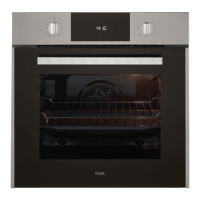
Replacing the oven light bulb
Please note!
Disconnect the appliance from the mains by removing the plug from the
socket before the changing the light.
• Remove the glass light cover by carefully clicking it loose with a
screwdriver.
• Replace the oven light bulb.
• Put the glass cover back on. Make sure it catches properly in the
holder.
Install a light bulb suitable for 300º C temperatures.
CLEANING
1


 To Next Page