EN 15
OPERATION
Multi-section cooking
At most 2 sections can be set for cooking. In multi-section cooking, if
one section is defrosting, the item that needs to be defrosted must be
placed in the rst section.
Example
You want to defrost food for 5 minutes, and after that 7 minutes of
80% microwave power to cook.
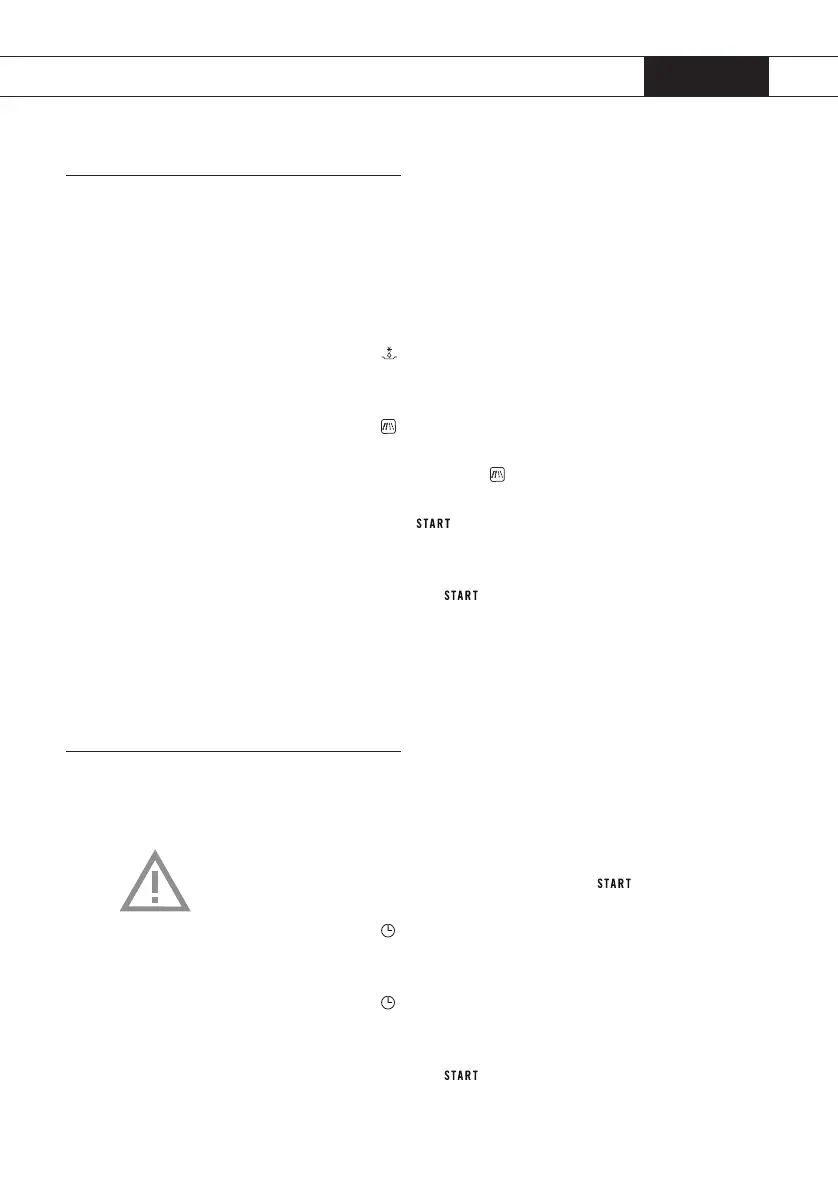
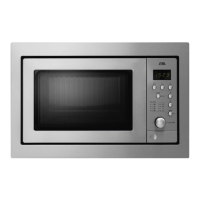
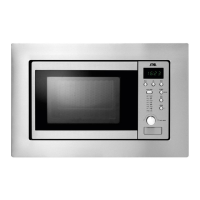
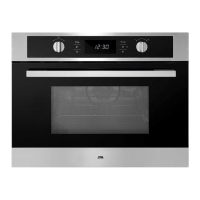
1. Press button
twice.
e display shows ‘dEF2’.
2. Turn the control knob until ‘5:00’ appears in the display.
3. Press button
.
In the display ‘P 100’ will blink.
4. Press (several times) button
or turn the control knob until
‘P 80’ appears in the display.
5. Press start button
to conrm the setting.
e power is set to ‘P 80’.
6. Turn the control knob until ‘7:00’ appears in the display.
7. Press the start button
to start cooking.
A beep is heared and the defrosting begins. e defrostingtime in the
display counts down. If the rst section is nished, there will be a beep
again and the second sectionbegins. If the second section is nished,
there will be ve beeps.
Programme set in advance
1. Set the clock rst (see page 10).
2. Input the cooking programme. Two stages can be set at most.
Defrosting should always be set as the rst stage, if it is included
in the multi-level programme.
Attention: do NOT press the start button
after setting the
cooking programme.
3. Press button
.
In the display the hour gure will ash.
4. Turn the control knob to set the hours.
5. Press button
again.
In the display the minute gure will ash.
6. Turn the control knob to set the minutes.
7. Press the start button
to conrm the setting.
If the door is closed and the programmed time arrives, the buzzer will
ring twice and the cooking will start automatically.
Cooking


 To Next Page