EasyManua.ls Logo

Eton E1 - User Manual

Eton E1
40 pages
Print Icon
To Next Page IconTo Next Page
Loading...
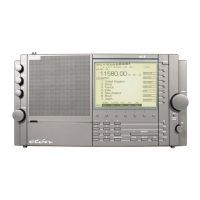
E1
MANUAL
w
ww.etoncorp.com
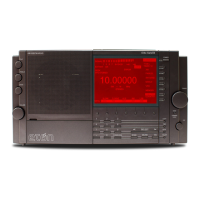
AM/FM/SHORTWAVE/XM READY RADIO

Table of Contents

Other manuals for Eton E1

Question and Answer IconNeed help?

Do you have a question about the Eton E1 and is the answer not in the manual?

Summary

Important Safeguards

Grounding or Polarization

Polarized plug fits one way; grounding plug fits grounding outlet for safety.

Servicing

Refer servicing to qualified personnel only to avoid hazards.

Object and Liquid Entry

Never push objects or spill liquid into the product to prevent shock or fire.

Lightning Protection

Unplug AC adapter and disconnect antenna during lightning storms.

E1 Display Description

Frequency Display

Main frequency readout of the receiver.

E1 Front Panel Description

Squelch Control

Mutes receiver audio when no signals are present.

Direct Key-Input Buttons

Numeric keys for direct entry of frequencies, channels, etc.

Summary

Important Safeguards

Grounding or Polarization

Polarized plug fits one way; grounding plug fits grounding outlet for safety.

Servicing

Refer servicing to qualified personnel only to avoid hazards.

Object and Liquid Entry

Never push objects or spill liquid into the product to prevent shock or fire.

Lightning Protection

Unplug AC adapter and disconnect antenna during lightning storms.

E1 Display Description

Frequency Display

Main frequency readout of the receiver.

E1 Front Panel Description

Squelch Control

Mutes receiver audio when no signals are present.

Direct Key-Input Buttons

Numeric keys for direct entry of frequencies, channels, etc.

Eton E1 Specifications

General IconGeneral
TypePortable Radio
TuningDigital
Frequency Range (FM)87.5 - 108 MHz
Frequency Range (AM)520 - 1710 kHz
SpeakerBuilt-in
Headphone JackYes
Memory Presets100
DisplayLCD
AntennaTelescopic
Power SourceBattery
Battery TypeAA
Output Power1W

Related product manuals