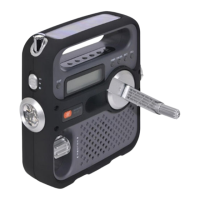
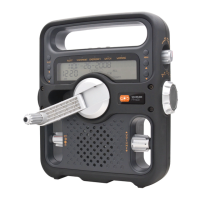
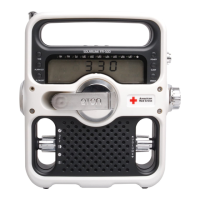
Elite Series Executive Quick Start Guide
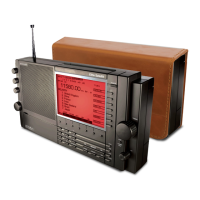
Thank you for your purchase of the Eton Elite Series Executive Radio. Please use this document as a quick start
guide for the product, and reference the product manual for more detailed instruction.
Powering the radio: You have three options to power your radio.
4 AA alkaline batteries (not included)
4 rechargeable AA batteries (not included). When using rechargeable batteries, you can charge
them using the included AC adapter. You can set the chargetime by holding the F7 button and
select the charging time using the TUNING DIAL.
Basic Functions: To conserve battery life, the radio can still play while the display goes into standby
mode.
Note, to use radio functions, the first step is to “wake” the radio by pressing the POWER button (or any
button). The radio is in wake mode when the display is illuminated
To turn the radio on, press the POWER button to wake up the display (if it’s o]).
Once the display is on, press the POWER button again to turn the radio on.
To turn the radio o], press the POWER button to wake up the display (if it’s o]).
Then, press the POWER button again to turn the radio o].
Selecting radio bands: The Eton Elite Executive features many di]erent bands you can listen to. To select
a band, make sure the radio is in wake mode by pressing the POWER button, and follow the below steps:
To select the FM band, press the FM/AIRBAND button once. The display will show FM as the
selected band and then a FM frequency, such as 106.5 MHz.

 Need help?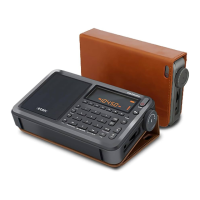

 To Next Page
 General