5
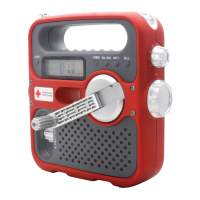
American Red Cross FR150 MICROLINK OWNER’S MANUAL
CELL PHONE CRANK CHARGING continued
1. Set POWER/VOLUME control to OFF position.
2. Plug the cell phone charging cord into the Phone
Charge socket.
3. Select the correct charging tip for your phone.
4. Plug charging tip into the charging cord and into the
phone’s charging socket.
5. Rotate the dynamo crank about 2 turns per second.
Turn it on with the POWER/VOLUME control.
To turn it off, set POWER/VOLUME control to OFF.
Set POWER/VOLUME control to desired level.
1. Select AM, FM or WEATHER (WB) with the band selec-
tor switch. For FM and WEATHER (WB), fully extend
the telescopic antenna.
2. Adjust the volume with the POWER/VOLUME control.
3. Tune stations with the TUNING knob, or tune in
WEATHER (WB) with the 7-position switch.
TURNING THE RADIO ON AND OFF
ADJUSTING THE VOLUME
TUNING-IN STATIONS


 To Next Page