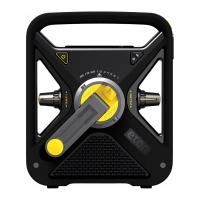
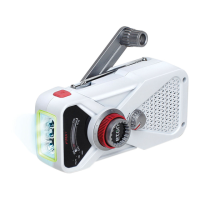
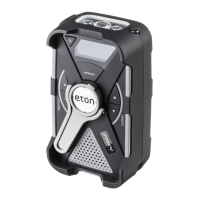
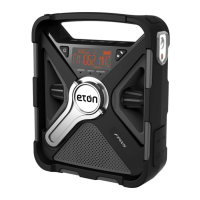
FRX2 OWNER’S MANUAL
7
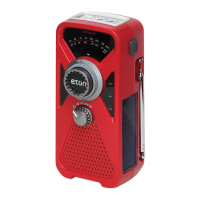
gLOW IN DARK LOCATOR
After absorbing light energy, the glow in the dark locator
glows up to 8 hours allowing an easy locator.
EARPHONE JACK
Plug in earphones (not included). Sound is heard from both
sides in monaural.
WARRANTY REgISTRATION
To ensure full warranty coverage or product updates,
registration of your product should be completed as soon
as possible after purchase or receipt. You may use one of
the following options to register your product:
1. By visiting our website at http://www.etoncorp.com.
2. Mail in enclosed warranty card.
3. Mail your registration card or information to the following
address; Include your name, full mailing address, phone
number, model purchased, date purchased, retail vendor
name and product serial number (typically located in or
near the battery compartment):
Etón Corporation
1015 Corporation Way
Palo Alto, CA 94303
LIMITED WARRANTY
Retain the warranty information from your warranty card
with your proof of purchase or the Limited Warranty
information can also be viewed at www.etoncorp.com.


 To Next Page