FR150 MICROLINK OWNER’S MANUAL
4
POWER SOURCES
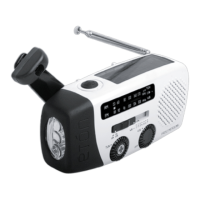
1. Rechargeable battery pack (included).
2. USB port (USB cord not included).
3. Solar power panel.
• Plug a USB cord into the USB socket.
Charging starts immediately.
• Turn the crank for about 90 seconds.
• The solar power adapter charges it automatically.
Plug the cord into the USB socket. Once plugged in, the USB
cord acts as a charger, charging the internal Ni-MH battery
pack. Charge it for 8 hours to achieve a full charge
Because cell phone batteries vary in their current ratings,
we cannot specify charging rates or usage time. 10 to 15
minutes of cranking may result in 1 or more minutes of
talk-time.
CHARGING THE BATTERY PACK
USING A USB CORD
CELL PHONE CRANK CHARGING


 To Next Page