Rukus OWNER’S MANUAL
5
BATTERY POWER
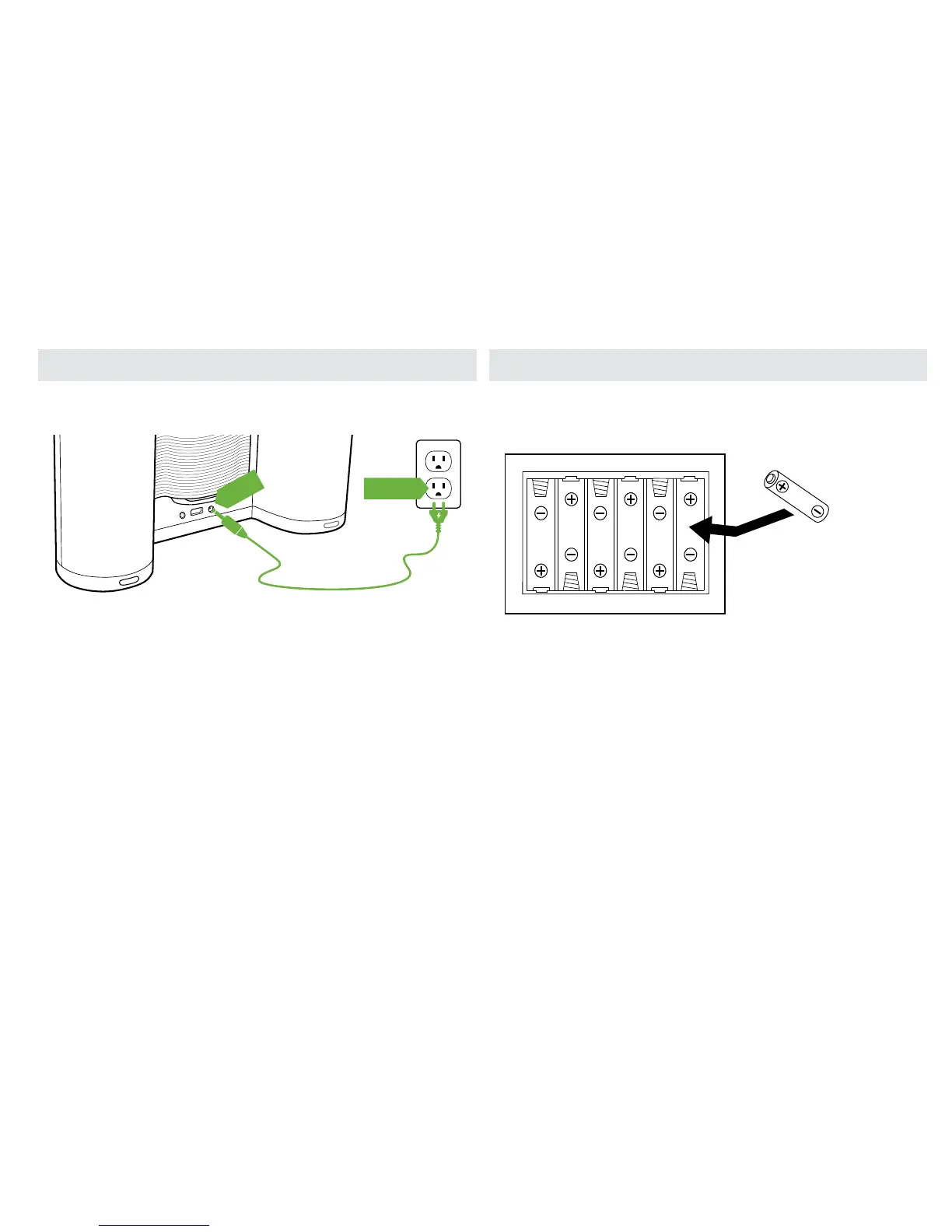
The unit may be powered by six (6) AA batteries. Install batteries
based on the diagram shown.
NOTE: If the LED indicator starts blinking rapidly for 10 seconds,
the batteries are low and need to be replaced.
When the AC is not connected, the unit will automatically
default to battery power.
PLUGGING IN THE AC ADAPTER
Connect one end of the AC adapter to the DC jack of the unit and
the other end to an electrical outlet.



 To Next Page