05
English English
06
STEP 1 POWERING ON THE WI-FI
DOORBELL CHIME
Connect the Wi-Fi Doorbell Chime to the Internet
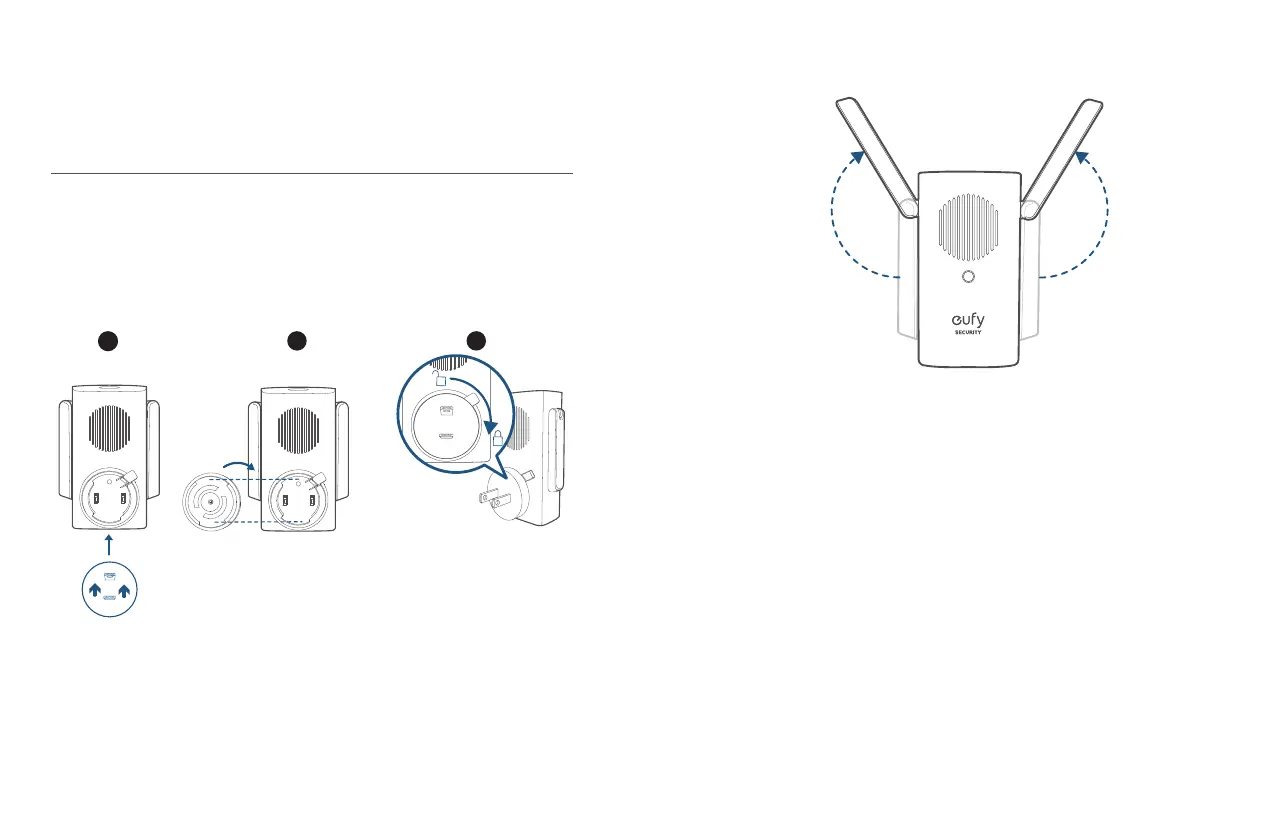
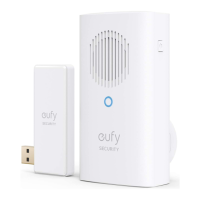
1. Fix the power connector to Wi-Fi Doorbell Chime.
①
Place the power connector over Wi-Fi Doorbell Chime in the direction the
arrows indicate.
②
Align the raised slots of the power connector with the notch on the base of
the doorbell chime.
③
Rotate clockwise to lock the power connector in place.
1
2 3
2. Extend Wi-Fi Doorbell Chime’s antennas.
3. Plug Wi-Fi Doorbell Chime into an AC power supply at your desired location. The
LED indicator turns solid green when the doorbell chime is ready for setup.


 To Next Page