16 EN EN 17
Issue Cause Solution
LED display does not turn
on after stepping onto the
scale.
• Batteries not installed.
• Install 4 new
AAA batteries.
• Worn batteries.
• Replace all
batteries at the
same time.
Scale does not proceed to
analyse body composition.
• Taking a measurement
while wearing shoes or
socks.
• Stand barefoot
on the scale.
• Using the weight-only
measuring mode in the
EufyLife app.
• Change the
measuring
mode in the
EufyLife app.
Specifications
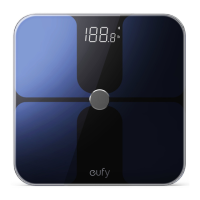
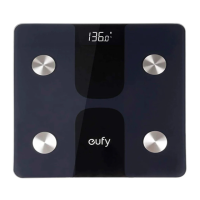
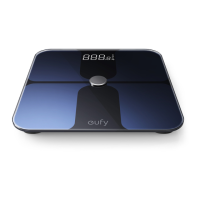
Model T9149
Power 6V (4 × AAA batteries)
LED Display 2.5 × 1.4 in / 64 × 35 mm
Measurement Units Pound / Kilogram / Stone
Unit Increments 0.1lbs / 0.05kg
Body Fat Unit Increments 0.1 %
Body Water Unit Increments 0.1 %
Muscle Mass Unit Increments 0.1 %
Measurement Range
0.2lbs - 397lbs / 0.1kg - 180kg / 0st:
0.2lbs - 28st: 5lbs
Activation Weight 3 kg
Working Environment
Temperature: 10 - 40 °C
Humidity: <= 90% RH
Storage Environment
Temperature: -10 - 50 °C
Humidity: <= 90% RH
Operating Frequency Range 2400 MHz - 2500 MHz
Waterproof Degree IPX5
Transmitted Power
Wi-Fi: 18 dBm
Bluetooth: 4 dBm
Bluetooth Version 5.0
Wi-Fi Version 2.4 G



 To Next Page