18 / 32
GIVE US A CALL: 1-844-416-2090
MON-FRI 8:30AM - 5:30PM (PT)
customerservice@eurekaergonomic.com
M
+ -
OPERATING INSTRUCTIONS
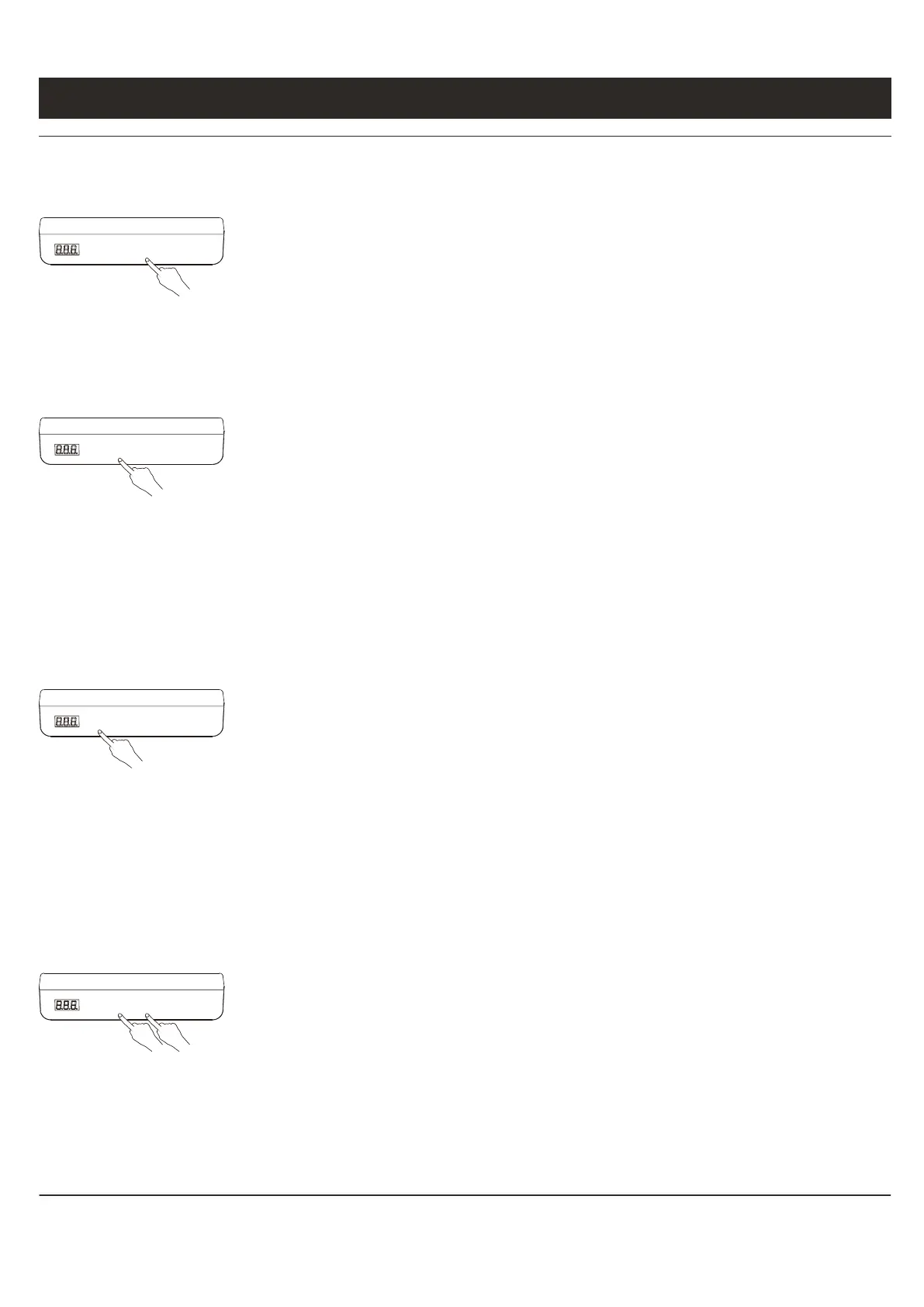
When the system is abnormal, or the hand controller displays " ", it is necessary to initialize
the lifting table. The initialization operation is to press and hold the "-" button until the motor
stops and release the button, and then press "-" for 5 seconds to enter automatically. Initialization
mode. Do not release the "-" button at this time, if you release the "-" button, the system stops the
initialization mode. After the initialization is completed, the buzzer will sound a prompt,
indicating that the initialization is successful.
M
+ -
M
+ -
When the "+" key is pressed, the desktop runs upward until it reaches the highest point of the
desktop.
When the "-" key is pressed, the desktop runs downward until it reaches the lowest point of the
desktop.
When the "+" or "-" key is clicked, the desktop moves a small distance accordingly to realize
jogging.
M
+ -
The hand controller in the picture above can store 3 memory points. The storage method is as
follows. When running to a specific point, press the "M" button. The digital tube will display "S-"
and "-" will flash. At this time, press " 1-3" key to store the current position to the corresponding
label.
In fully automatic mode (S-6 is 1), if you want to run to the memory point, you only need to click
the key corresponding to the storage location. At this time, the digital tube will display the height
of the corresponding key position, and then automatically run to the location stored.
Corresponding to the height, when running, any key can stop the system.
In semi-automatic mode (S-6 is 0), if you want to run to the memory point, you only need to keep
pressing the key corresponding to the storage position. At this time, the digital tube will display
the height of the corresponding key position, and then automatically run to the stored
height.While running, release the button to stop the system.
INITIALIZATION OPERATION
UP AND DOWN KEY OPERATION
LOCATION STORAGE AND MEMORY OPERATION
The system supports desktop height limit. The operation method is: when you want to set the
current height as the desktop limit height, press and hold the "+" and "-" buttons at the
corresponding height for 5 seconds. At this time, you will hear a buzzer sound, indicating
Restricted location storage successful.When the table is in the upper half of its travel, the upper
position is restricted. When the table top is in the lower half of its travel, the lower position is
restricted.
Cancel height limit Method 1: Reset the system at this time, and the system height limit will be
cancelled. Method 2: Let the desktop run to the limit high or low point. At this time, press and hold
the "+" and "-" buttons at the same time for 5 seconds. You will hear a buzzer sound, indicating
that the limit position is successfully cancelled.
HIGH AND LOW LIMIT SETTING
╘
RS


 To Next Page
 Loading...