19 / 32
GIVE US A CALL: 1-844-416-2090
MON-FRI 8:30AM - 5:30PM (PT)
customerservice@eurekaergonomic.com
M
+ -
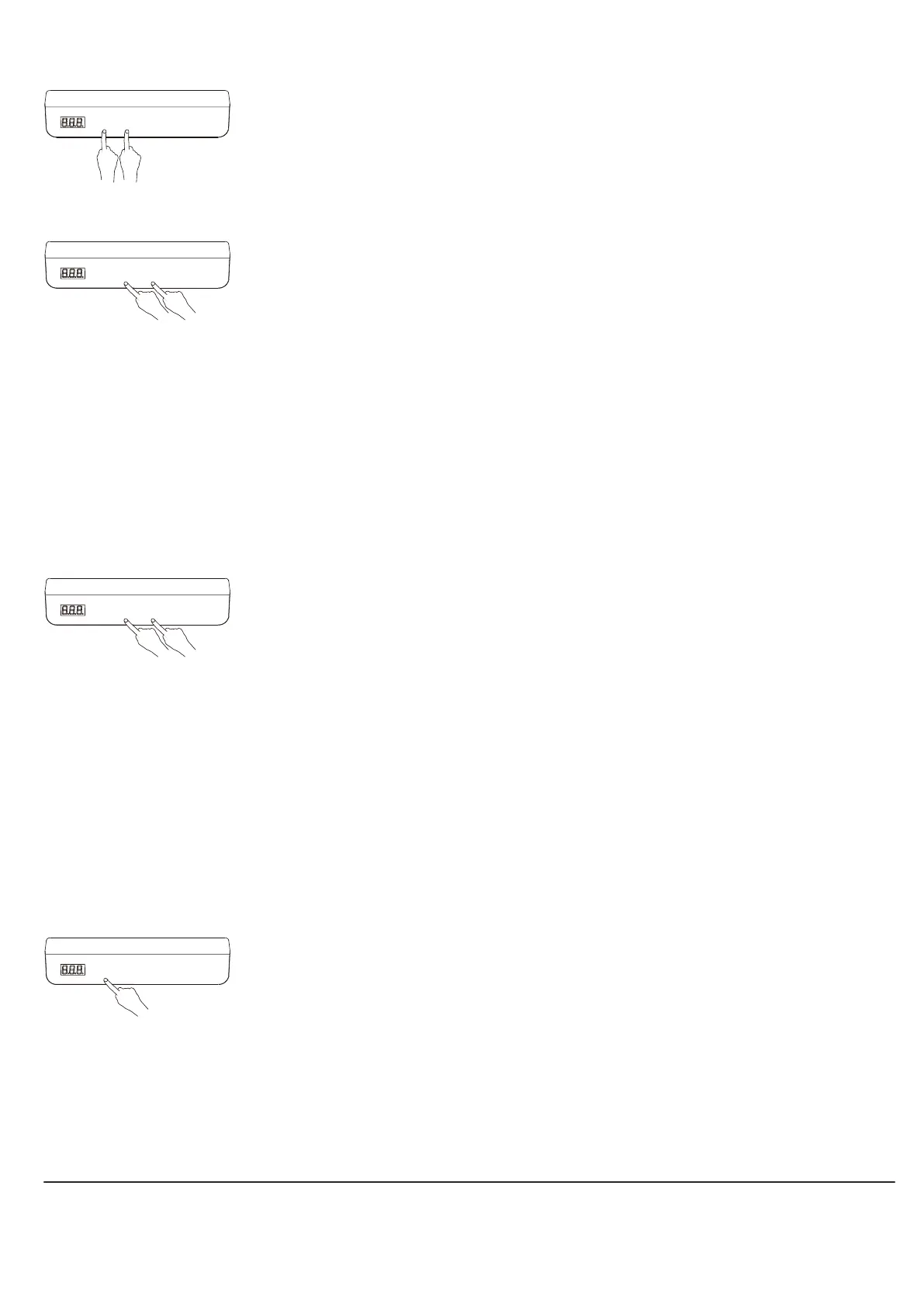
When the system is replaced with a new table leg, or the parameters need to be restored to the
factory settings, press and hold "+" and "-" at the same time for 10 seconds to hear a long buzzer
prompt, and the parameters are restored to the factory settings. , forced initialization.
RESET
M
+ -
By pressing and holding the "M" key on the hand controller for 5 seconds, you can enter the
setting interface, where "S-x" is displayed and "x" flashes, where "x" is the parameter group. At
this time, press "M" to enter the parameter group to set the corresponding parameters, and press
"+" or "-" to switch parameter groups. After setting the parameters, press the "M" key to return to
the running interface.
The parameters that can be set are as follows:
a. "S-1" 0 means metric display, 1 means imperial display.
b. "S-2" indicates the sensor's stopping accuracy when encountering obstruction, 0 indicates off, 8
is the most sensitive, and 1 is the least sensitive.
c. "S-3" indicates the accuracy of stopping the upward current when encountering resistance, 0
indicates shutdown, 8 is the most sensitive, and 1 is the least sensitive.
d. "S-4" indicates the accuracy of stopping the downward current when encountering resistance,
0 indicates shutdown, 8 is the most sensitive, and 1 is the least sensitive.
e. "S-5" indicates the installation distance in cm.
f. "S-6" 0 means pressing the storage position key to run and then releasing it to stop running, 1
means pressing the storage position key to automatically run to the stored position and any key
to stop.
g. "S-7" means 0 means turning off the 2-minute and 18-minute working system and relying only
on the temperature protection controller, and 1 means turning on the 2-minute and 18-minute
working system.
h. "S-8" means the left and right tilt of the desktop, sensitivity, to prevent the screw rod from
breaking or other causes of inconsistent heights of the two table legs. 0 means off, 1-8 means a tilt
angle of 0.5-4° respectively.
INTERNAL PARAMETERS AND INSTALLATION DISTANCE SETTINGS
M
+ -
Enter the network distribution mode by pressing and holding the "M" key on the hand controller
for 10 seconds. At this time, the device can be found in the Add Device section of the APP
interface.
DISTRIBUTION NETWORK
M
+ -
Lock: Press and hold "M" and "+" at the same time for 5 seconds. When the digital tube displays
"Loc", it means that the system has been locked and the system cannot be raised or lowered.
Unlock: Press and hold "M" and "-" at the same time for 5 seconds. When the digital display
changes from "Loc" to normal digital display, it means the system has been unlocked.
LOCK AND UNLOCK


 To Next Page
 Loading...