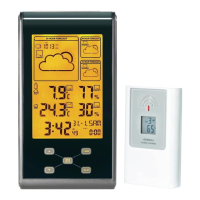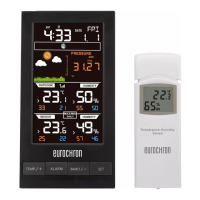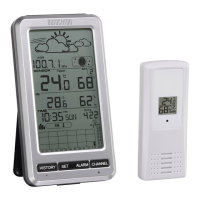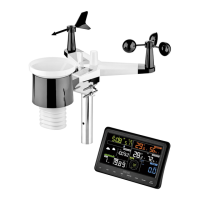
EasyManua.ls Logo

Eurochron EFWS 5500 - User Manual

Eurochron EFWS 5500
88 pages
Go to English
Print Icon
To Next Page IconTo Next Page
Loading...
Bedienungsanleitung
Funk-Wetterstation
Best.-Nr. 1496482 (EFWS 5500)
Best.-Nr. 1496483 (EFWS S550) Seite 2 - 22
Operating Instructions
Radio weather station
Item No. 1496482 (EFWS 5500)
Item No. 1496483 (EFWS S550) Page 23 - 43
Notice d’emploi
Station météorologique sans l
N° de commande 1496482 (EFWS 5500)
N° de commande 1496483 (EFWS S550) Page 44 - 64
Gebruiksaanwijzing
Draadloos Weerstation
Bestelnr. 1496482 (EFWS 5500)
Bestelnr. 1496483 (EFWS S550) Pagina 65 - 85

Table of Contents

Questions and Answers

  • T
    Timothy LopezAug 9, 2025
    What to do if my Eurochron EFWS 5500 Weather Station displays lines instead of temperature/humidity?
    • A
      Alvin MoonAug 9, 2025
      If your Eurochron Weather Station displays lines instead of outdoor temperature or humidity readings, try the following: * Initiate the signal search (refer to Chapter 13). * Reduce the distance between the weather station and the external sensor. * Replace the batteries in the external sensor. * Ensure there are no obstructions or sources of disturbance affecting radio reception.
  • U
    uhodgeAug 23, 2025
    How to fix poor display contrast on Eurochron EFWS 5500 Weather Station?
    • E
      Emily LopezAug 23, 2025
      If your Eurochron Weather Station has poor display contrast, try replacing the batteries.

Eurochron EFWS 5500 Specifications

General IconGeneral
Humidity Range20% to 95%
Radio frequency433 MHz
TypeWireless Weather Station
Indoor Temperature Range0°C to 50°C
Outdoor Temperature Range-20°C to 60°C
Power Supply Sensor2 x AAA batteries (not included)

Related product manuals