www.evacuatoralarms.com
Units On
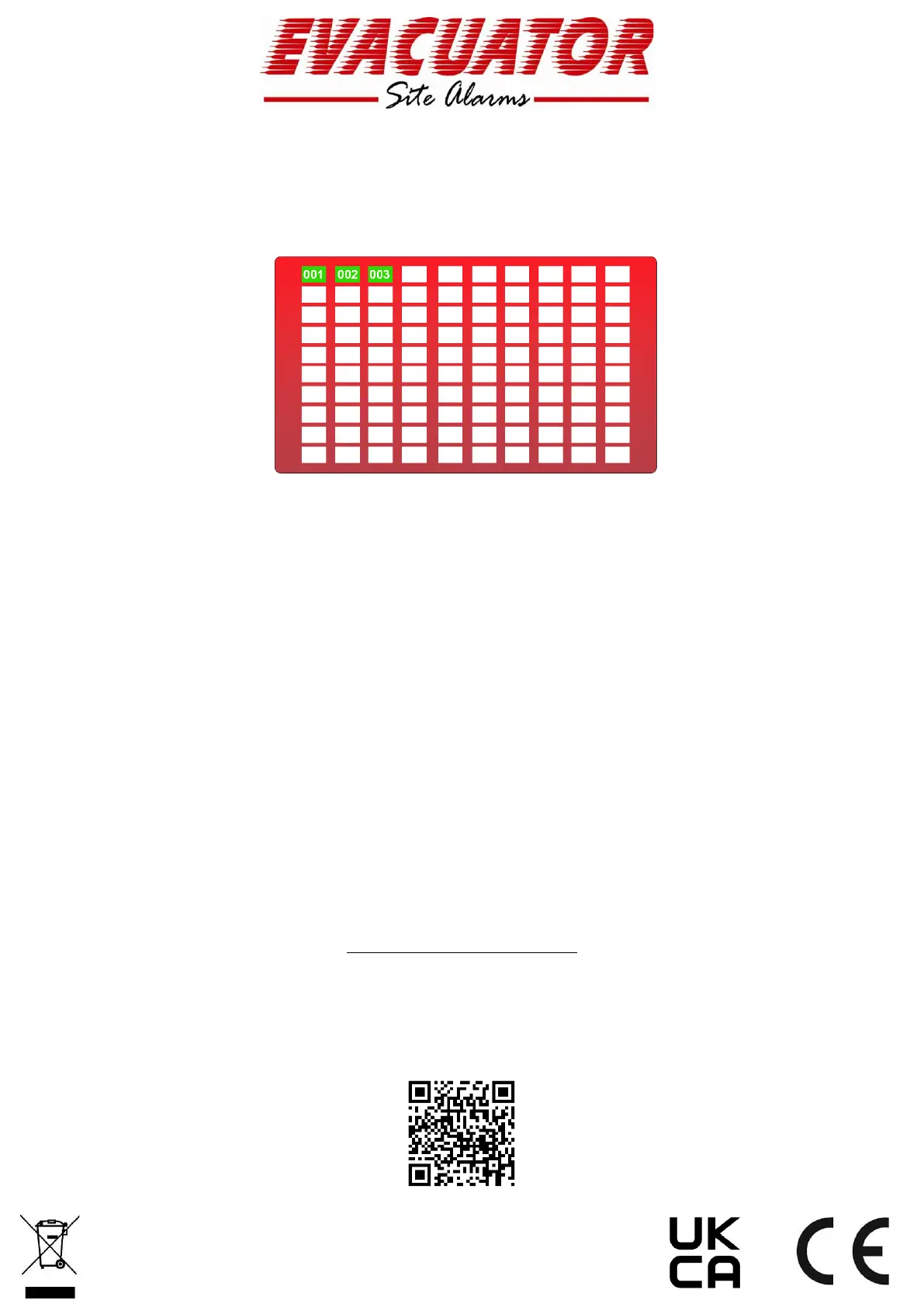
Checking the device status on your system is easy. Hit the “Units On” button in the menu and you
are presented with a grid (as below) displaying the paired units
Green indicates the call point unit on the system and is working correctly.
Brown indicates that an Auto detector unit is on the system and working correctly.
Black indicates the unit is not working and should be investigated.
Yellow indicates a battery low on the unit and the battery should be replaced.
Enter Code for more options
This is to access “Supervisor” and “Engineers” menus. You will need the relevant passcodes for this
access
Warning Beep Toggle
Default setting is On, this beep gives an audible warning when a device disconnects or is in battery
low state. To Turn the warning off simply toggle across until the switch is displayed as Grey
Pairing Devices to a Base Station
Please follow our YouTube video to assist with pairing your Devices to a Base Station, QR Code
provided below


 To Next Page