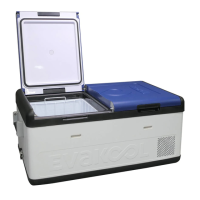
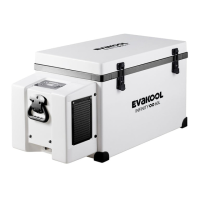
DOWN UNDER SERIES
12
• Unscrew the screw from the upper half of the housing.
• Carefully raise the upper half of the housing from the lower half.
• Take out the contact pin.
• Replace the defective fuse with a new one that has the same rating (10A, 250V).
• Re-assemble the plug in the reverse order.
Replacing the PCB (display) light
• If you require a new PCB light please contact Evakool on 1300 385 665.
Spare part code: LED-DU.
• The PCB light is located internally on the inside wall above the step.
• Disconnect the power supply.
• Carefully pry out the plastic light cover with a pointed and flat tool.
• Unscrew the PCB mounting screws.
• Pull out the PCB.
• Replace them with a new PCB.
• Fit the screws in with a screwdriver.
• Press the transparent part of the lamp back into the housing.
• Connect the power supply to the fridge.
If none of the above solves your issue please contact Evakool on 1300 385 665 or
warranty@evakool.com.au for details of your closest Evakool service centre.


 To Next Page