10
CHARGING &
OPERATING THE
VENUS
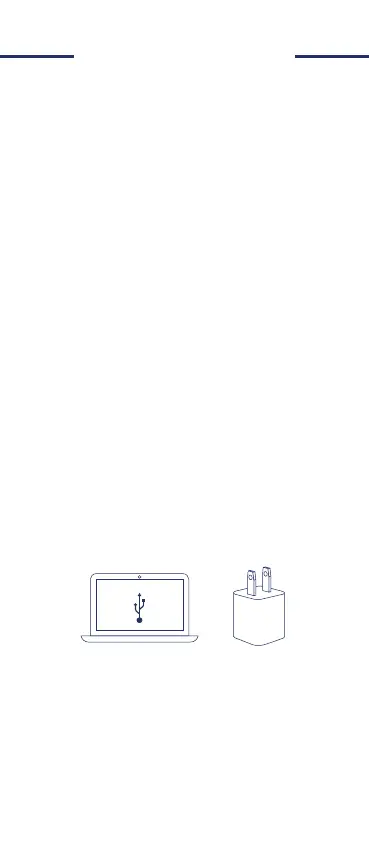
Firmly insert and connect the provided USB
power cable to the device, as well as to a
computer, AC power bank or any powered
USB power source to begin charging. Once
properly plugged in, the red light will softly
blink in and out, indicating that the device is
charging. Once fully charged, the blue light
softly blinking means that the device is fully
charged.
Once charged, hold the power button to turn
on the device. The metal head of the device
with the Red/Blue LED will light up and
indicate that the device is turned on. However,
do note that skin contact (along with a cream
having already been applied to the eyelids and
surrounding areas to be treated) is required
for the device to work. Similar to turning on
the device, to turn the de
vice off, simply hold
down the power button until the LED light in
the metal head turns off completely.
The Venus, when fully charged, will hold
an approximate charge for 60 minutes of
sustained use. With a maximum of five minutes
of use per week recommended, this should
allow for multiple uses before the device needs
to be charged.


 To Next Page